





By Jedahdiah
- 1,005 views
- View Jedahdiah's images
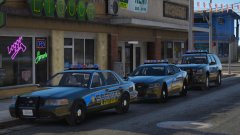
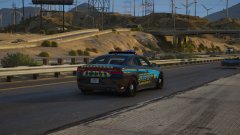
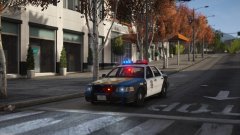
Half finished ELS CVPI on the left, More or less finished non-ELS CVPI on the right.
I've learnt ELS and so I've begun building an ELS CVPI. It uses DRO2 as its primary with dimmed coronas (to add some flare  ), and has no other secondary lights (yet). The other vehicle is non-ELS, has multiple lights, couple of extras and custom carcols.
Recommended Comments
Join the conversation
You can post now and register later. If you have an account, sign in now to post with your account.