


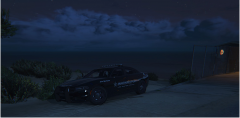
Abandoned Sandy Shores Motel destroyed by fire (Cont.)

By Andrew.
- 2,494 views
- View Andrew.'s images
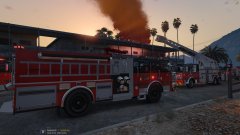
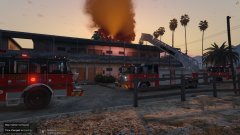
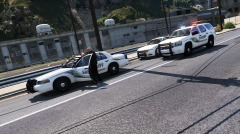
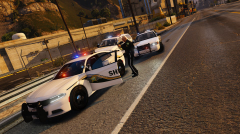
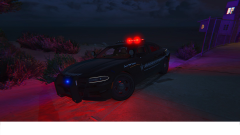
Sandy Shores, S.A. - Columbus Fire Rescue personnel worked tirelessly into the evening after the famous Sandy Shores Abandoned Motel caught fire.
On Sunday, August 20th, at 7:30 p.m., Columbus Fire Rescue units were dispatched to a reported commercial structure fire at the abandoned motel located at the corner of Panorama Drive and Algonquin Blvd.
The fire started in one of the now run down rooms and quickly spread to the roof. Columbus Fire Rescue's Tower 1 was first on scene and went to work immediately.
"When we were driving west bound on Joshua Road, we could see a thick column coming from the building," Said Driver Engineer James Snow. "We advised all incoming units that its going to be a working structure fire and we went to work."
Units from Columbus Fire Rescue Station 1, Station 3 and Station 5 responded to the blaze.
The damage estimate is at $24,000.00 and one firefighter was treated for heat related sickness.
Fire investigators from the San Andreas State Fire Marshal's Office are currently investigating the fire and are so far, labeling it as suspicious in nature. If you have any information on this fire, please contact San Andreas Crime Stoppers at 1-923-NO-CRIME, you may be eligible for up to $1,000 if your tip leads to an arrest.
More Information will be released when available.
Columbus Fire Rescue is a fictional agency and based off of my imagination. The crime stoppers number is also fictional and i advise you to NOT call it. Ignore the content at bottom of the screen, my photoshop isnt working for some reason.
Recommended Comments
Join the conversation
You can post now and register later. If you have an account, sign in now to post with your account.