





By Nartbag
- 1,509 views
- View Nartbag's images
Cc: Fleet Management, Chief, Depchief
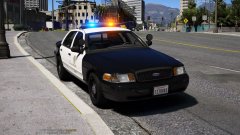
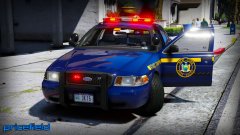
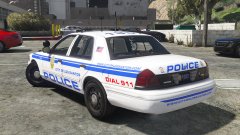
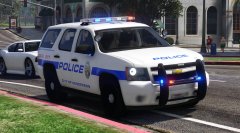
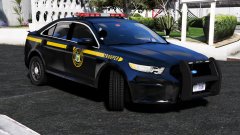
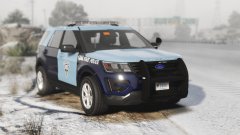
LSPD Re-introduces Crown Victorias
We understand that some officers do not like the new Interceptor vehicles and preferred the Crown Victoria. In order to best meet the needs of our officers, we have modernized some of our low-mileage P71 interceptor fleet with new lighting equipment, camera systems, sirens, and computer-aided dispatch (CAD) systems.
It is our mission to ensure that these vehicles continue to help our officers serve the Los Santos community.
Recommended Comments
Join the conversation
You can post now and register later. If you have an account, sign in now to post with your account.