Skip to content
View in the app

A better way to browse. Learn more.

LCPDFR.com

A full-screen app on your home screen with push notifications, badges and more.

To install this app on iOS and iPadOS
  1. Tap the Share icon in Safari
  2. Scroll the menu and tap Add to Home Screen.
  3. Tap Add in the top-right corner.
To install this app on Android
  1. Tap the 3-dot menu (⋮) in the top-right corner of the browser.
  2. Tap Add to Home screen or Install app.
  3. Confirm by tapping Install.

Gunned Down Grove street

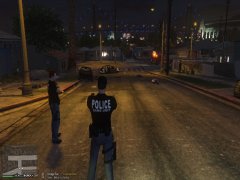
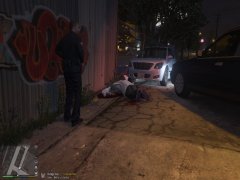
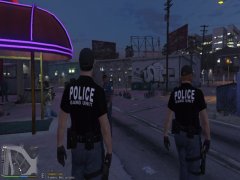
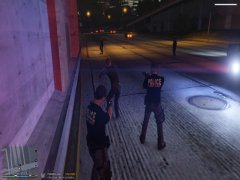
A shooter was walking with a gun as soon as we approached he open fired on us as he took 5 to the chest we called in an RA unit from 

Davis hosp to respond to the gunned down suspect as he was checked he was confirmed dead so we called coroner and tried to keep crowd 

control stable as lot of witnesses saw what happened he shot first and we shot back in self defense 


once body was taken back to MEs office we were code four from grove street

  • Account

    Navigation

    Search

    Search

    Configure browser push notifications

    Chrome (Android)
    1. Tap the lock icon next to the address bar.
    2. Tap Permissions → Notifications.
    3. Adjust your preference.
    Chrome (Desktop)
    1. Click the padlock icon in the address bar.
    2. Select Site settings.
    3. Find Notifications and adjust your preference.