


Serving A Warrant

By Lapd Code 3
- 539 views
- View Lapd Code 3's images
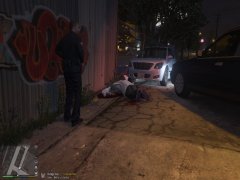
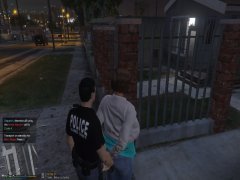
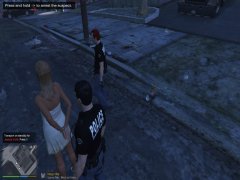
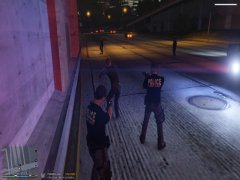
Young Female missed Court Date and Turn out she was riding around with a baller gang member who was shot by partner 8 times medics stated he was in critical condition but no bullets hit the arteries he was rushed to mount zonah general hospital as for the young woman she was carrying a glock 18 in her dress as well as a baggie of meth as i conducted a search so she was brought up on multiple charges as for the warrant and officer came picked her up and sent her to LAPD north hollywood station to be processed and we were code 4
Recommended Comments
Join the conversation
You can post now and register later. If you have an account, sign in now to post with your account.