Skip to content
View in the app

A better way to browse. Learn more.

LCPDFR.com

A full-screen app on your home screen with push notifications, badges and more.

To install this app on iOS and iPadOS
  1. Tap the Share icon in Safari
  2. Scroll the menu and tap Add to Home Screen.
  3. Tap Add in the top-right corner.
To install this app on Android
  1. Tap the 3-dot menu (⋮) in the top-right corner of the browser.
  2. Tap Add to Home screen or Install app.
  3. Confirm by tapping Install.

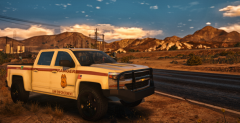
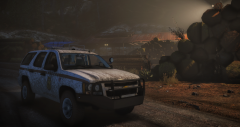
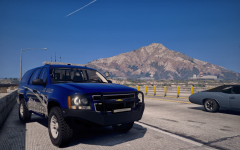
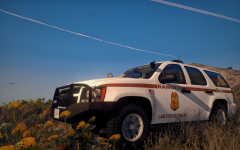
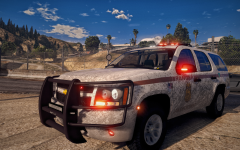
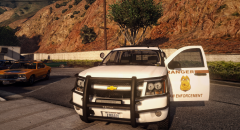
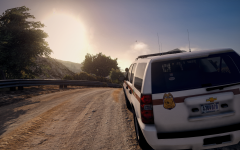
There's a new sheriff in town

Skin originally by Carper... I think. Correct me if I'm wrong. 

Still a WIP - Need to figure out a different side lighting option other than that Micron. Whelen M2 or something light that might work better. Might also add some more rear warning lighting. 


271590_20170527223944_3.png

271590_20170527223928_3.png

271590_20170527223831_1.png

271590_20170527223827_1.png

271590_20170527223654_2.png

271590_20170527223514_2.png

271590_20170527223348_1.png

271590_20170527223239_2.png

271590_20170527224036_2.png

271590_20170527224018_1.png

From the album:

RangerRick's GTAV WIPs

· 49 images

Account

Navigation

Search

Search

Configure browser push notifications

Chrome (Android)
  1. Tap the lock icon next to the address bar.
  2. Tap Permissions → Notifications.
  3. Adjust your preference.
Chrome (Desktop)
  1. Click the padlock icon in the address bar.
  2. Select Site settings.
  3. Find Notifications and adjust your preference.