
Skip to content
View in the app

A better way to browse. Learn more.

LCPDFR.com

A full-screen app on your home screen with push notifications, badges and more.

To install this app on iOS and iPadOS
  1. Tap the Share icon in Safari
  2. Scroll the menu and tap Add to Home Screen.
  3. Tap Add in the top-right corner.
To install this app on Android
  1. Tap the 3-dot menu (⋮) in the top-right corner of the browser.
  2. Tap Add to Home screen or Install app.
  3. Confirm by tapping Install.

LSPD Out with Multiple Subjects Fighting

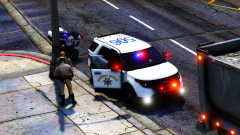
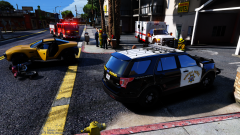
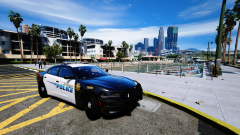
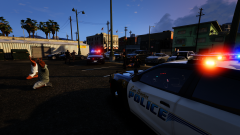
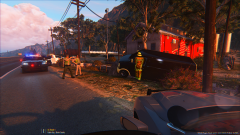
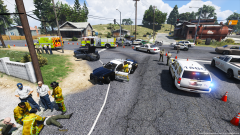
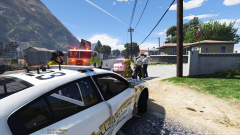
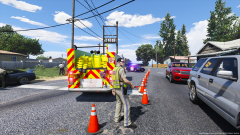
LSPD Officers on patrol in the Vespucci area rolled up on a large fight involving four subjects in a parking lot Saturday afternoon. Two suspects were detained without incident and later released. One suspect attempted to leave the scene leading officers on a foot pursuit and was later placed into custody. Another suspect attempted to fight officers and resist arrest causing him to be tased multiple times. The reason for the fight is believed to have started from a road rage incident. (Vehicles by @thegreathah)

JES 2.png

GTA5 2017-03-05 11-58-36-80.png

JES 3.png

Copyright

© CameronLHC
  • From the album:

    Cameron LHC's GTA V Pics

    · 29 images

    Account

    Navigation

    Search

    Search

    Configure browser push notifications

    Chrome (Android)
    1. Tap the lock icon next to the address bar.
    2. Tap Permissions → Notifications.
    3. Adjust your preference.
    Chrome (Desktop)
    1. Click the padlock icon in the address bar.
    2. Select Site settings.
    3. Find Notifications and adjust your preference.