







Questioning

By DukSezQuak
- 674 views
- View DukSezQuak's images
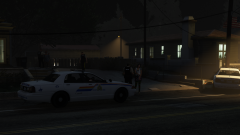
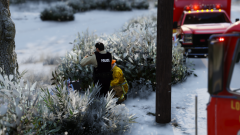
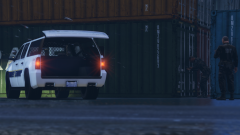
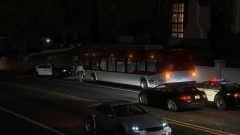
A motorist called in a suspicious male who was attempting to hitch-hike near the land border crossing. RCMP attended, along with a member from the CBSA. RCMP spoke with their supervisor while the CBSA agent attempted to question the individual, who was not co-operating. Eventually, the individual was found to be an American citizen, who crossed the border into Canada illegally. The reason was, he was fleeing from Donald Trump.
He was arrested for various offences under the Criminal Code of Canada, and will be extradited back to the United States for trial.
Recommended Comments
Join the conversation
You can post now and register later. If you have an account, sign in now to post with your account.