


Slow the hell down!

By DukSezQuak
- 583 views
- View DukSezQuak's images
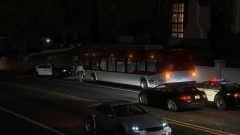
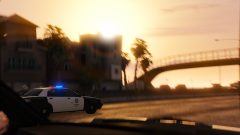
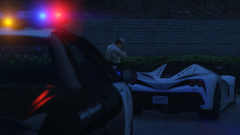
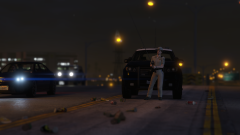
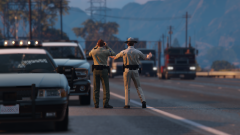
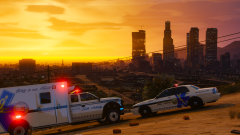
A Blaine County Sheriffs Deputy and a San Andreas Highway Patrol Officer standing on the side of the freeway, trying to get people to slow down during a peak traffic hour.
Due to the large volume of vehicles travelling on the road, traffic stops were very difficult, and unsafe to make. The only choice was for officers to standby and hopefully, slow drivers down.
(We interrupt your regularly scheduled program with this special lore screenshot! We will resume normal programming momentarily.)
I went full lore. Whoops. Lakeview County shall return shortly! Just having fun with RDE :D
Recommended Comments
Join the conversation
You can post now and register later. If you have an account, sign in now to post with your account.