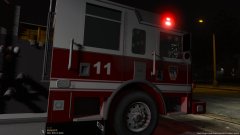
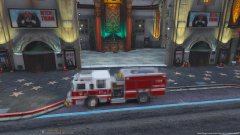
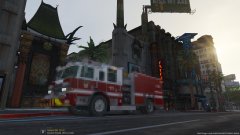
!!NEW!! Driver side LEDs comparison Share https://www.lcpdfr.com/gallery/image/77444-new-driver-side-leds-comparison/ Share on Facebook Share on X {lang="reddit_text" More sharing options... Followers Yes Yes. Un-blurred pics of the WIP Pierce. As said on our DEV page. Added new emissives to the M9 light heads to make them match with RL light. Remember to check our DEV page because more often then not updates will be posted there. Copyright © D-Town Productions 2017







Recommended Comments
Join the conversation
You can post now and register later. If you have an account, sign in now to post with your account.