



Target located!

By PNWParksFan
- 2,779 views
- View PNWParksFan's images
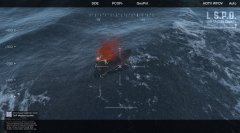
Further work on the WIP rescue callout for Coastal Callouts. Peds in distress will now wave at you to get your attention, and have a chance of spawning with a flare launcher or handheld smoke flare.
I see smoke in the distance...

Magnify, enhance... looks like a vessel in distress!

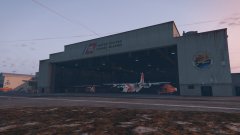
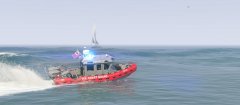
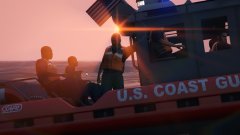
Target located!

Commencing rescue operations...

Credit
Mod and screenshots by PNWParksFan. MH-60 Jayhawk by SkylineGTRFreak with seating layout edits by PNWParksFan. Heli cam from Wilderness Callouts by Alexguirre.
Copyright
© Copyright (C) 2017 PNWParksFan
Recommended Comments
Join the conversation
You can post now and register later. If you have an account, sign in now to post with your account.