




Early Morning Robbery

By DukSezQuak
- 618 views
- View DukSezQuak's images
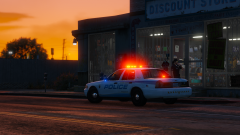
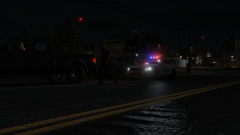
A robbery took place at the Paleto Bay Discount Store early this morning. Police were called to the Discount Store just after 5 A.M. after a resident across the street observed an unknown male wearing dark clothing pointing a weapon at the clerk. Upon arrival, the suspect was attempting to leave and discharged his firearm at police. Police returned fire and the suspect was shot at the scene, and is now in critical, life threatening condition in hospital. No police officers were reported to be injured and the clerk was not harmed.
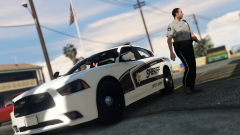
Police remain on scene to investigate while waiting for the San Andreas Serious Incident Response Team to attend.
Recommended Comments
Join the conversation
You can post now and register later. If you have an account, sign in now to post with your account.