Skip to content
View in the app

A better way to browse. Learn more.

LCPDFR.com

A full-screen app on your home screen with push notifications, badges and more.

To install this app on iOS and iPadOS
  1. Tap the Share icon in Safari
  2. Scroll the menu and tap Add to Home Screen.
  3. Tap Add in the top-right corner.
To install this app on Android
  1. Tap the 3-dot menu (⋮) in the top-right corner of the browser.
  2. Tap Add to Home screen or Install app.
  3. Confirm by tapping Install.

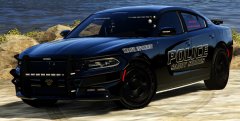
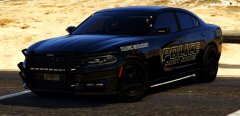
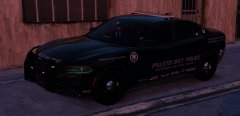
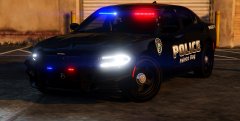
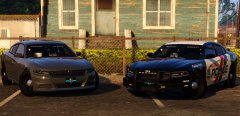
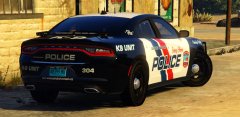
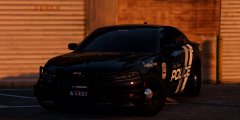
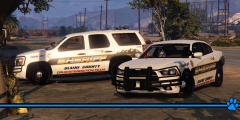
2015 Canine Charger Update

I am trying to upload the charger with my crap internet...but it keeps timing out..Here is a list of the stuff added!
-Extra spotlight

-Added more antennas an extra

-Brighter lights on the Whelen Dominator

-Moved the Radar over a little ahaha

-Dimmed the automatic running lights a little


That's all that comes to mind. So if interested, be on the look out!

From the album:

Chargers

· 59 images

Account

Navigation

Search

Search

Configure browser push notifications

Chrome (Android)
  1. Tap the lock icon next to the address bar.
  2. Tap Permissions → Notifications.
  3. Adjust your preference.
Chrome (Desktop)
  1. Click the padlock icon in the address bar.
  2. Select Site settings.
  3. Find Notifications and adjust your preference.