Skip to content
View in the app

A better way to browse. Learn more.

LCPDFR.com

A full-screen app on your home screen with push notifications, badges and more.

To install this app on iOS and iPadOS
  1. Tap the Share icon in Safari
  2. Scroll the menu and tap Add to Home Screen.
  3. Tap Add in the top-right corner.
To install this app on Android
  1. Tap the 3-dot menu (⋮) in the top-right corner of the browser.
  2. Tap Add to Home screen or Install app.
  3. Confirm by tapping Install.

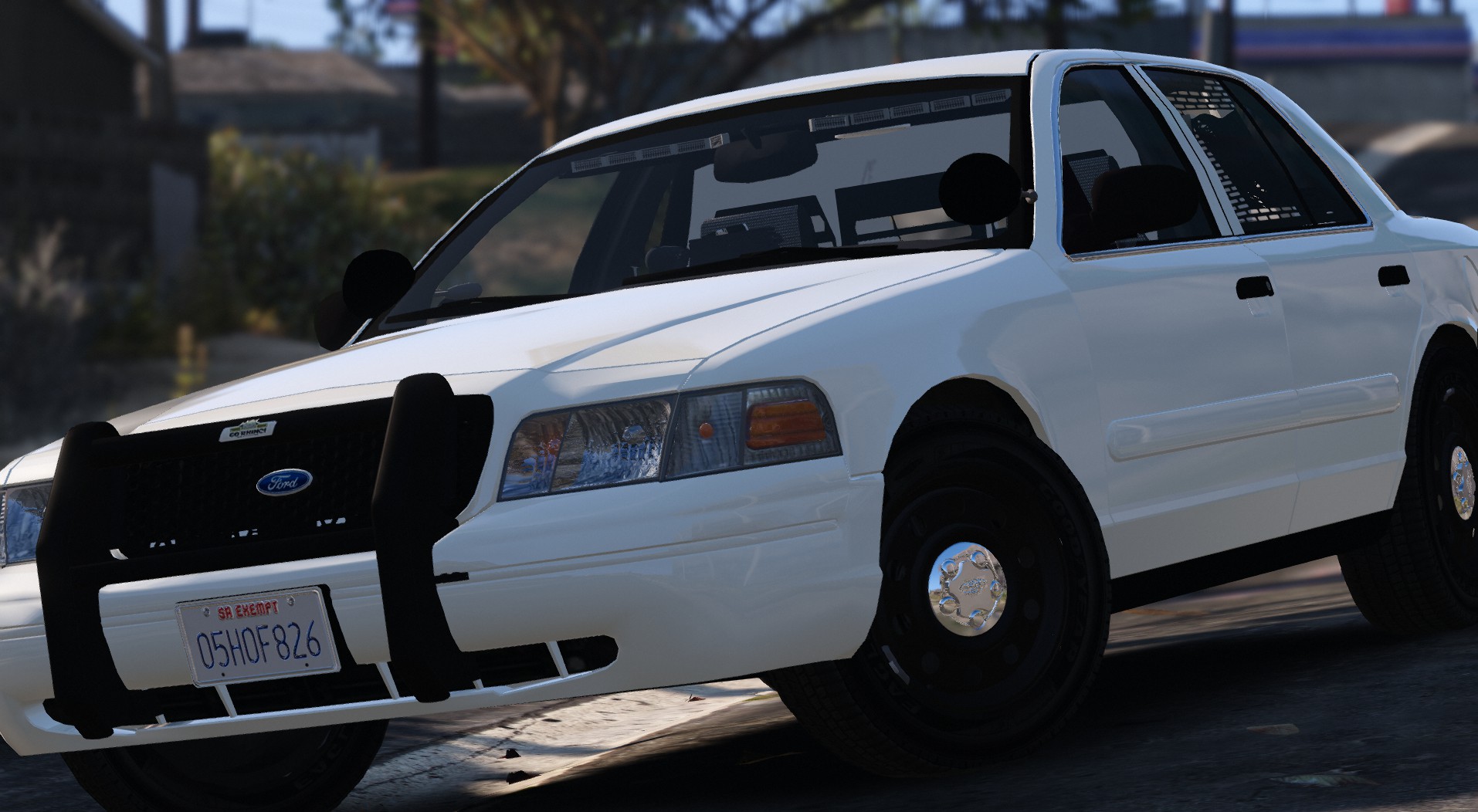
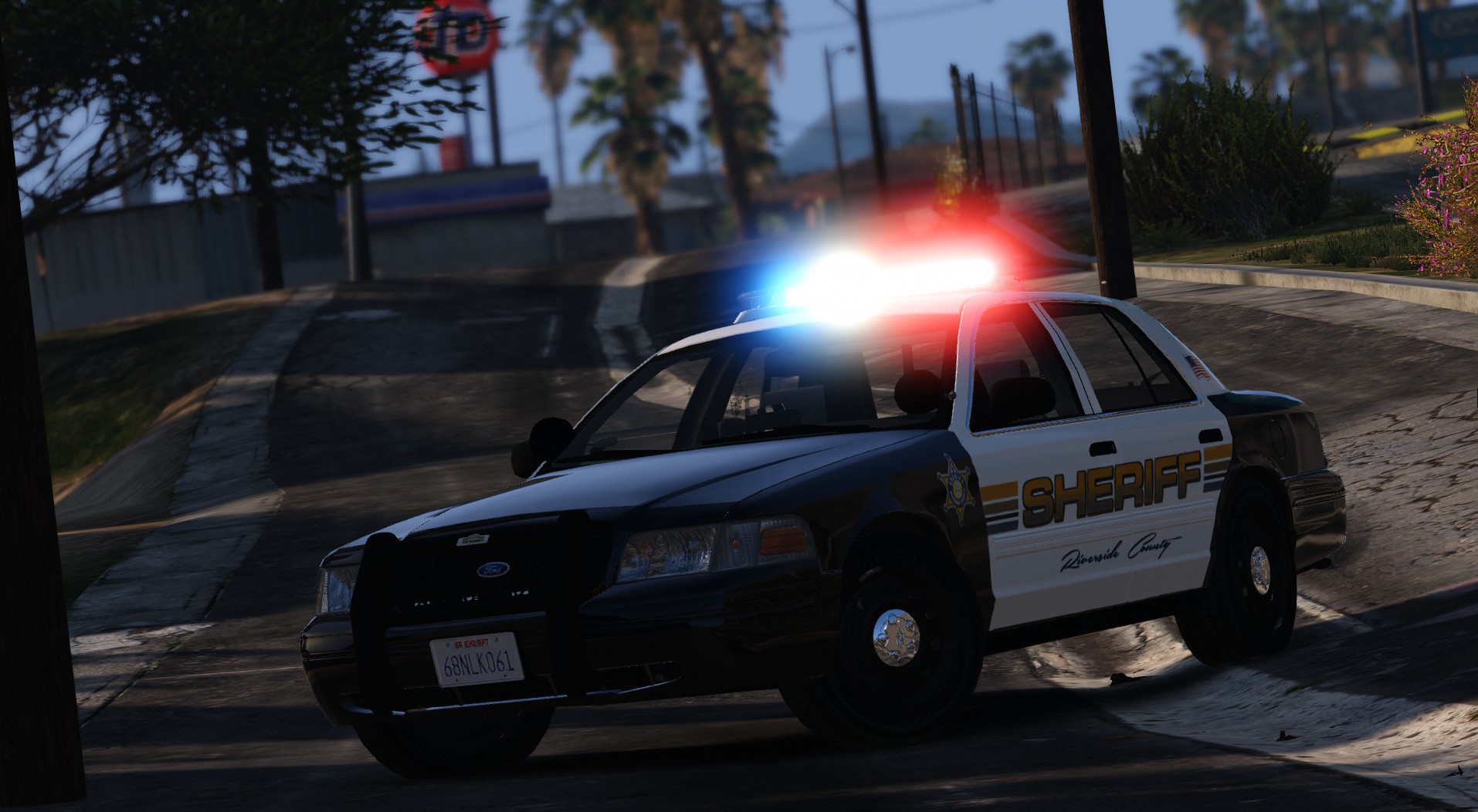
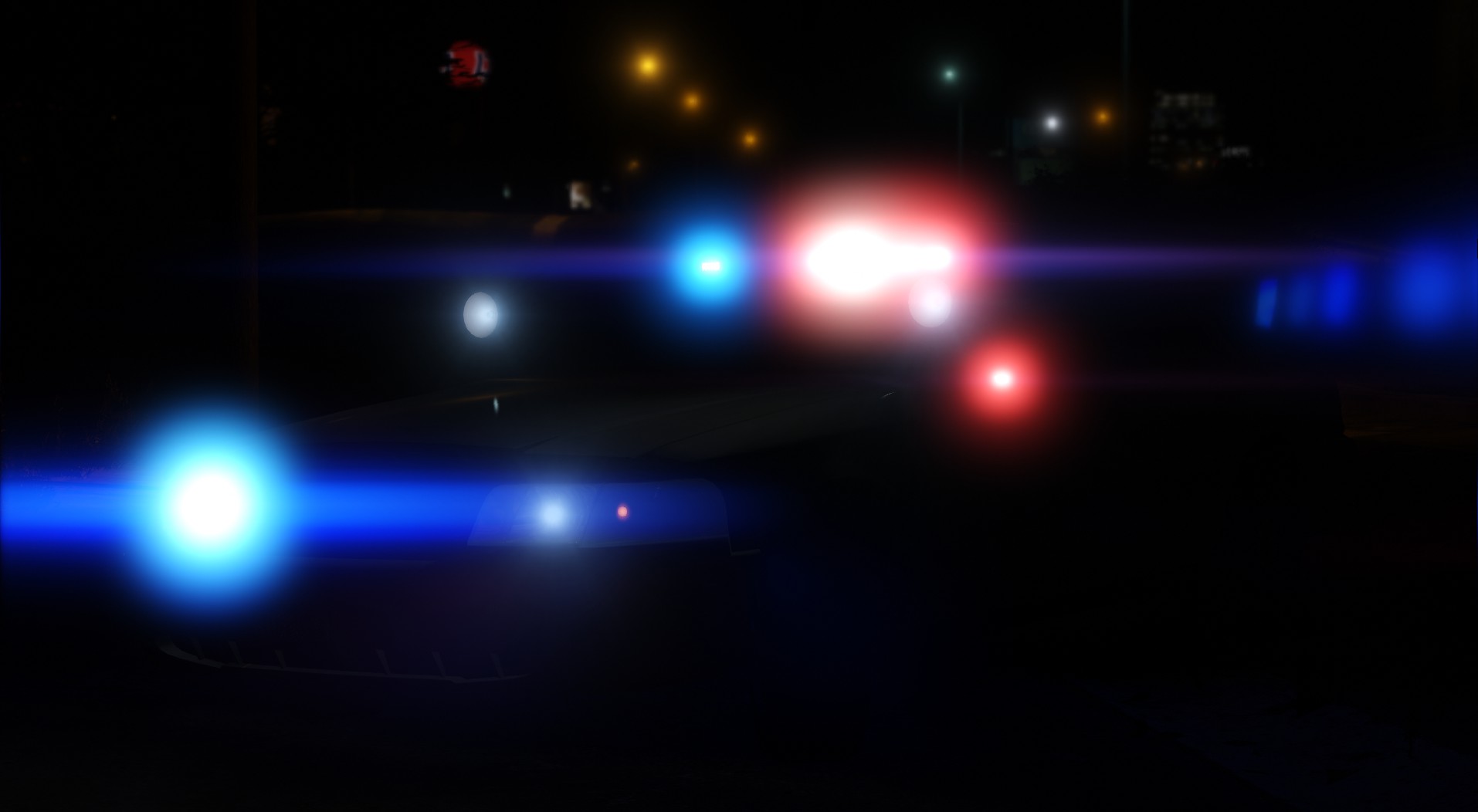
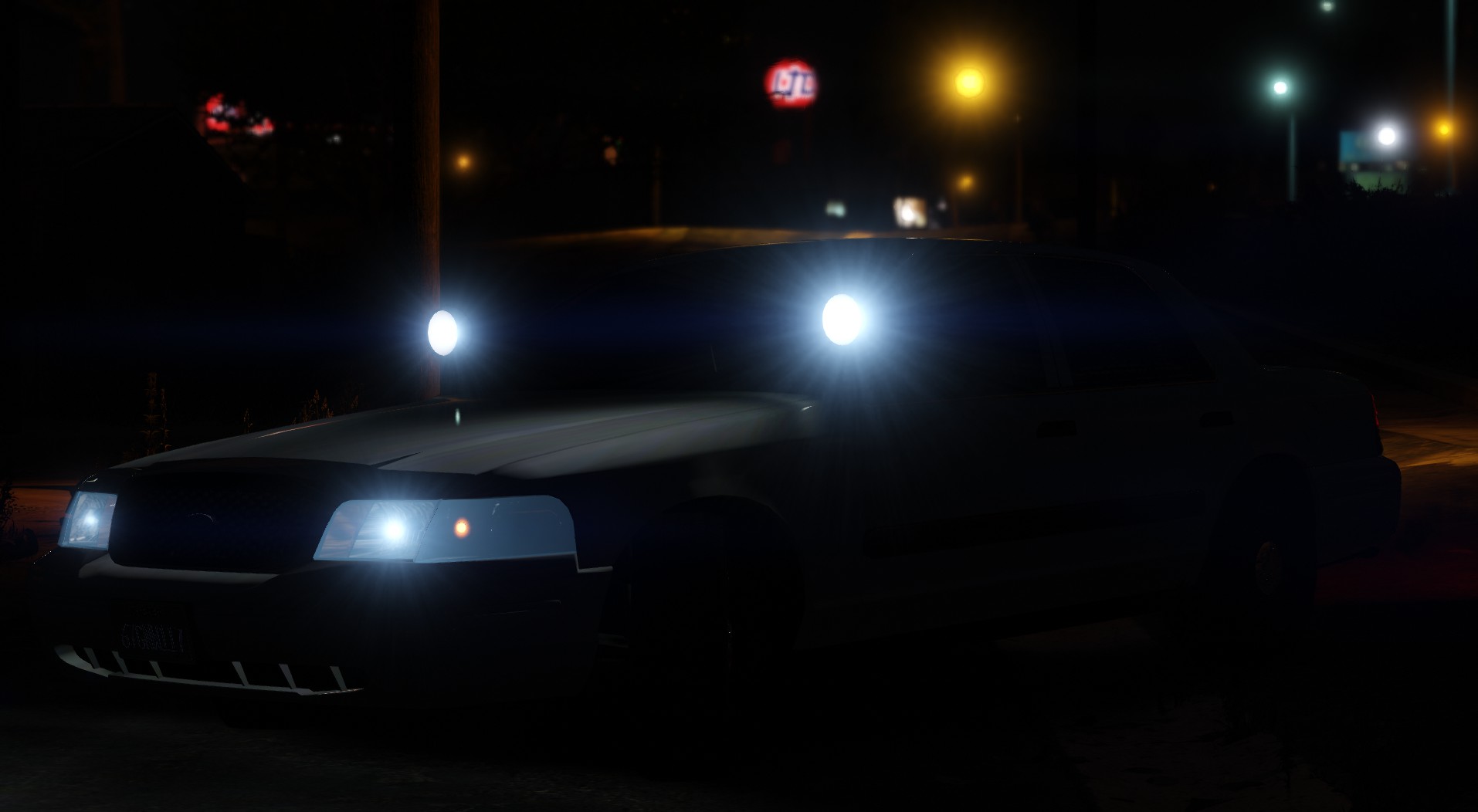
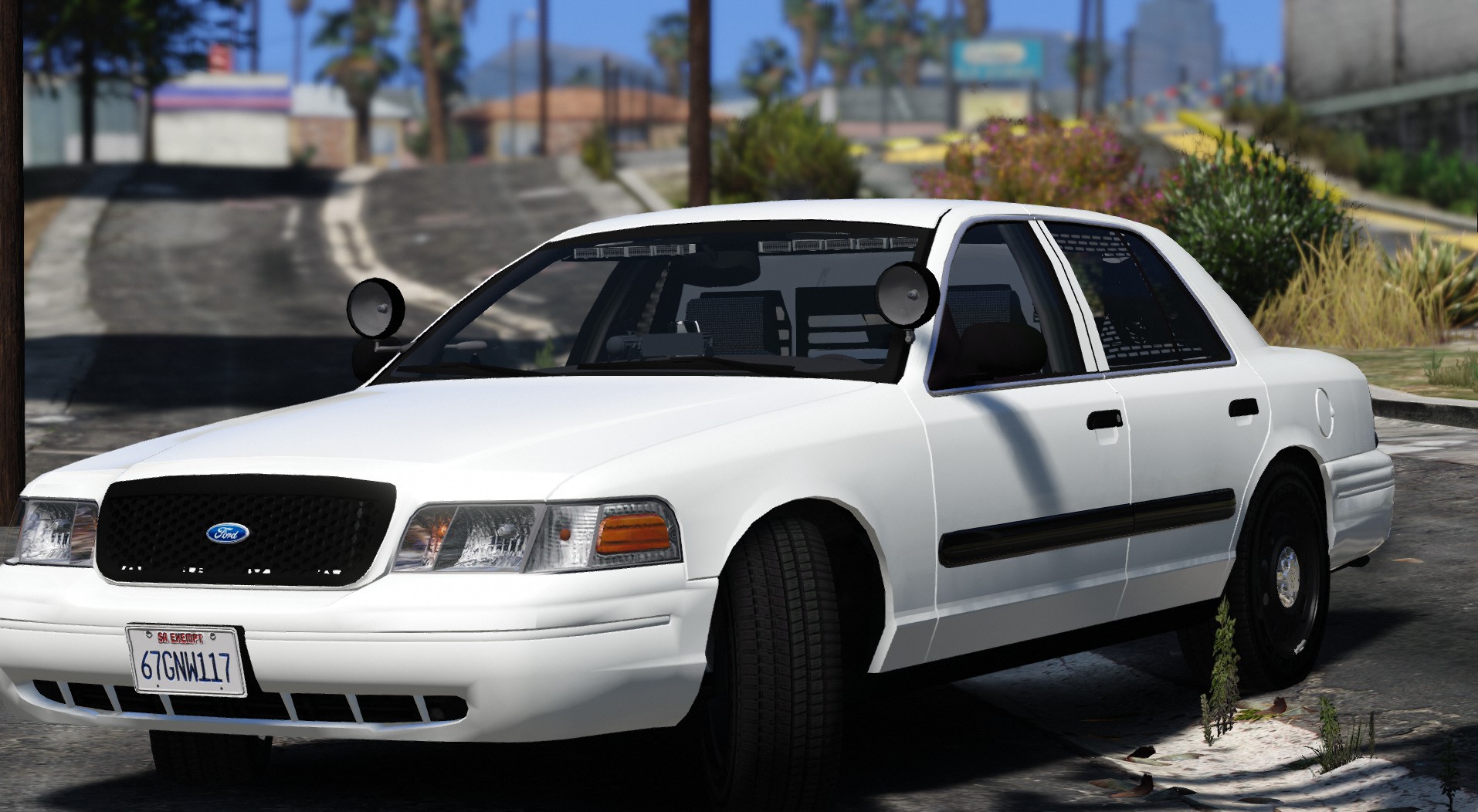
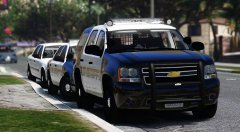
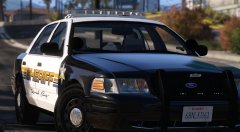
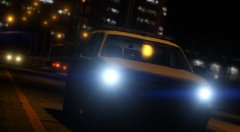
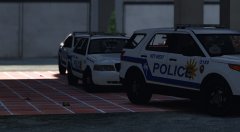
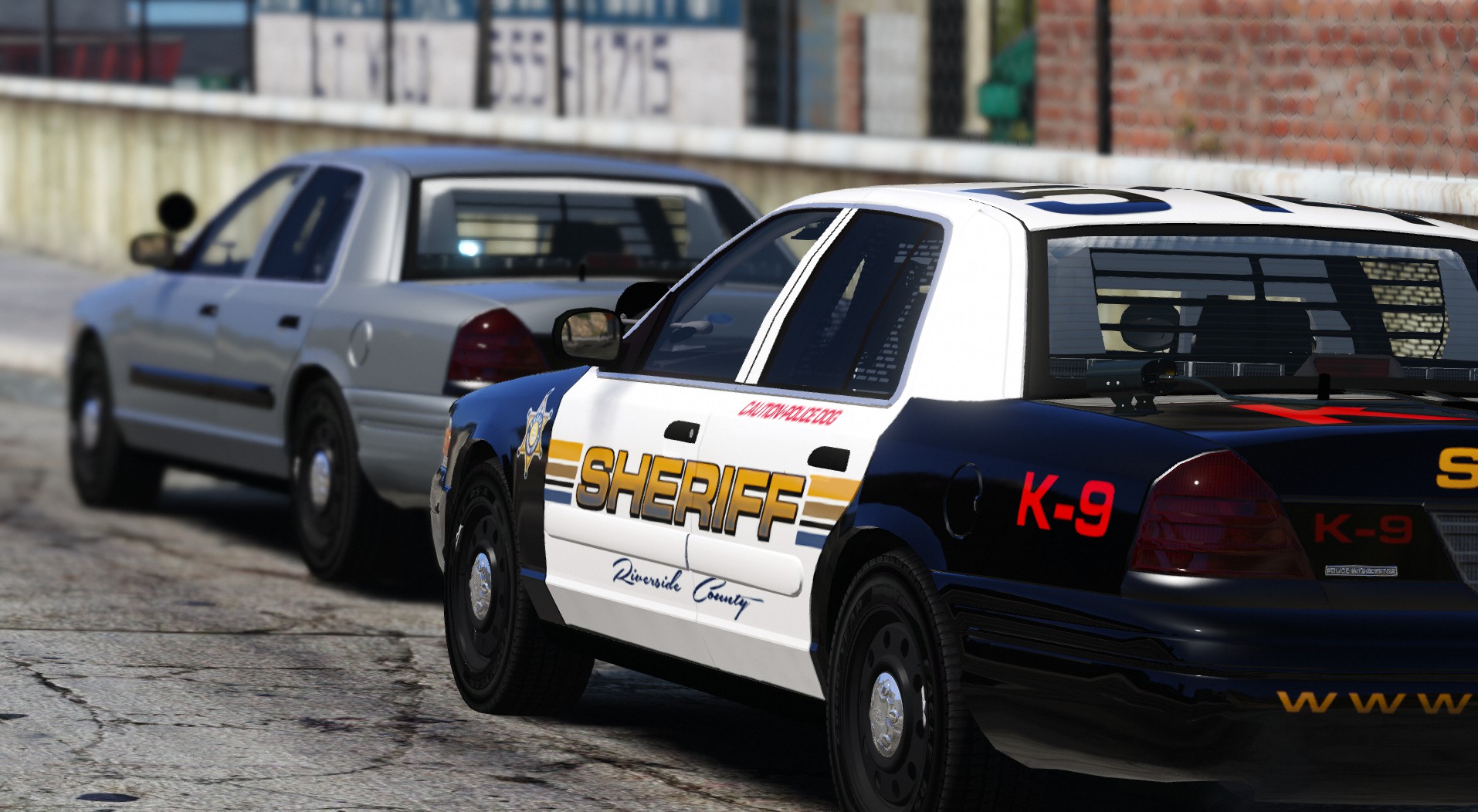
W.I.P RCSD

Just letting you guys know.. that this will not be the chosen car released on thanksgiving.

Spoiler
219e8e713e11130791c0486973ef039e.jpg5c1bd8feda6b35c4485053453223e08f.jpga4131cf6be0cda935f30800de27a9ac4.jpgd25b2a6511e0e8fc704483ca1bb71ff3.jpg929b7c233b6304e47fb579ddf5e74df4.jpgd47641bf7f2ed11bfec72caad2093905.jpg      

 based off the REAL cars 97% accurate.


Thank you @BErad1502 for letting be able to use his RCSD skins.

Copyright

© TWISTEDSCOPES

From the album:

W.I.P Models (GTA V)

· 137 images

Account

Navigation

Search

Search

Configure browser push notifications

Chrome (Android)
  1. Tap the lock icon next to the address bar.
  2. Tap Permissions → Notifications.
  3. Adjust your preference.
Chrome (Desktop)
  1. Click the padlock icon in the address bar.
  2. Select Site settings.
  3. Find Notifications and adjust your preference.