





By DukSezQuak
- 521 views
- View DukSezQuak's images
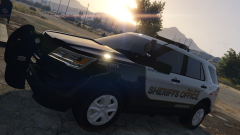
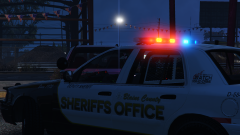
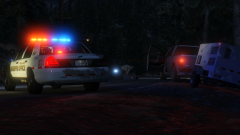
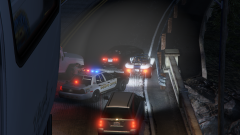
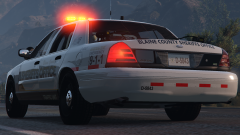
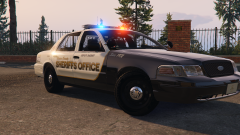
After outfitting a cruiser with traffic equipment and the new Blaine County Sheriffs Office decals, traffic officers were given the opportunity to drive the cruiser with the new graphics
"We thought that if any specific unit that was fully capable of testing the effectiveness of the reflective decals, it would be our traffic unit" said Superintendent Brad Rackstone of the BCSO
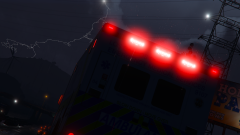
"So far the feedback from our members has been positive, and they think the reflective decals on the side and rear of the vehicle provide them with that extra sense of visibility in all light conditions, and it's a big step forward from our previous decals which had no reflective features."
A couple of changes were recommended with the design and Termination Media and Design Studios is working towards fulfilling the wishes of the BCSO.
Recommended Comments
Join the conversation
You can post now and register later. If you have an account, sign in now to post with your account.