


![[W.I.P] Non-ELS Custom Vapid](http://s3-gallery.int-cdn.lcpdfrusercontent.com/gallery/album_285/gallery_3182_285_626414.png "[W.I.P] Non-ELS Custom Vapid")
![[W.I.P]](http://s3-gallery.int-cdn.lcpdfrusercontent.com/gallery/album_285/sml_gallery_3182_285_443779.png)
![[W.I.P] Kings County PD - Unmarked ELS Crown Victoria](http://s3-gallery.int-cdn.lcpdfrusercontent.com/gallery/album_285/sml_gallery_3182_285_80926.png)
![[W.I.P] ELS Enabled Invetero Coquette - Day](http://s3-gallery.int-cdn.lcpdfrusercontent.com/gallery/album_285/sml_gallery_3182_285_890324.png)
![[W.I.P] ELS Enabled Invetero Coquette - Night](http://s3-gallery.int-cdn.lcpdfrusercontent.com/gallery/album_285/sml_gallery_3182_285_547842.png)
![[W.I.P] Non-ELS Custom Vapid](http://s3-gallery.int-cdn.lcpdfrusercontent.com/gallery/album_285/sml_gallery_3182_285_626414.png)
[W.I.P] Non-ELS Custom Vapid

By Harper
- 1,186 views
- View Harper's images
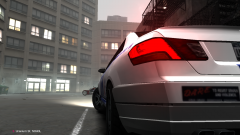
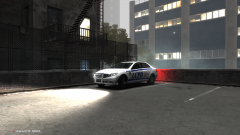
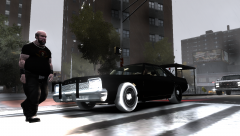
Early photo of my next project (the 87 Caprice is still on its way, don't worry). This is just a simple mapping of the default IV cruiser so players can create their own skins. This is perfect for people that want custom skins yet cannot handle high-poly mods.
As you can see, There's still some bugs I need to sort out with the mapping itself.
Recommended Comments
Join the conversation
You can post now and register later. If you have an account, sign in now to post with your account.