


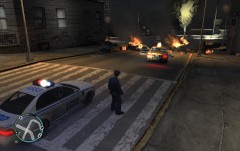


High-speed chase ended in a disaster!

By Eagle
- 710 views
- View Eagle's images
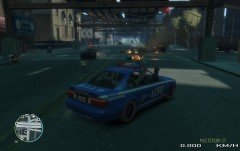
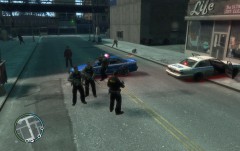
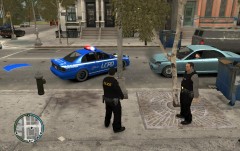
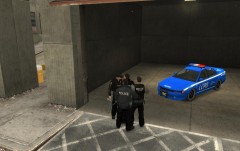
Highway Patrol officer Engels Harper spotted a Speedo van being driven all over the road. He issued a traffic stop and driver fled. High-speed pursuit started and a police helicopter was called into action. After suspect ended in a traffic jam his vehicle caught on fire and soon after blew up. Explosion set other cars on fire and eventually blew them up. In the picture we see Highway Patrol officer Engels Harper securing the area. EMS & Fire units are on their way.
Recommended Comments
Join the conversation
You can post now and register later. If you have an account, sign in now to post with your account.