




Chase Went Wrong - Liberty State Police

By Eagle
- 943 views
- View Eagle's images
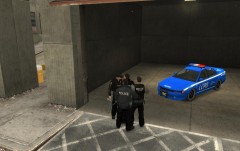
In the past few months number of chases on highways increased drastically. LC State Police decided it's time to get 10 new super-charged Corvettes with V8 motor. After the press released that information drivers in our highways wanted to race with our brand new vehicles. All of the "racers" lost against our troopers and got their license suspended along with jail time.
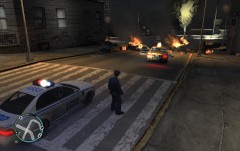
Chase shown on the image went horribly wrong but luckily nobody was hurt.
LSP Captain
Mike Henderson
Recommended Comments
Join the conversation
You can post now and register later. If you have an account, sign in now to post with your account.