


Out to Pasture

By CG Blaze
- 836 views
- View CG Blaze's images
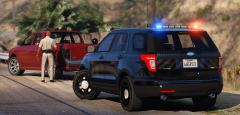
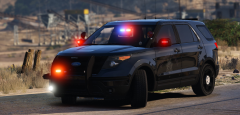
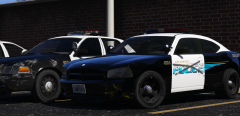
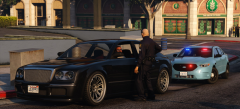
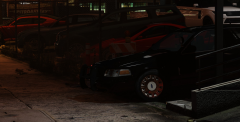
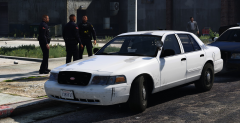
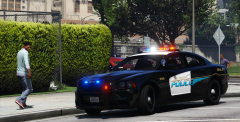
LSPD Charger #661 was one of only a handful ever purchased and put into service by the LSPD in 2007. Of those few, even fewer were ever assigned as fully marked units. Most officers hated them, and the heavy abuse they put their patrol cars through meant that the Chargers spent most of their lives in the garage.
#661 was the last of the '07 Chargers in service. Up until 2011, it served in regular patrol duty in the Southeast District. From then on, it got passed around station to station as a fleet reserve car, being used as a loaner when other patrol cars needed maintenance. With the constant stream of new Chargers, FPIU's and other test vehicles being put on the street, the LSPD no longer has any use for this old girl. Here she sits in her final resting place, waiting to be stripped and towed to the scrapyard.
lik if u cri evrytiem
Recommended Comments
Join the conversation
You can post now and register later. If you have an account, sign in now to post with your account.