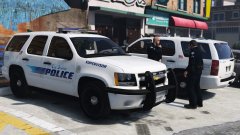
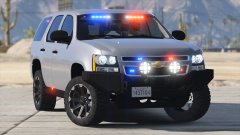
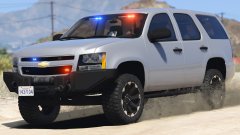
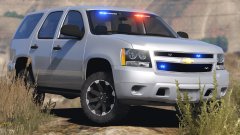
Dayum Share https://www.lcpdfr.com/gallery/image/66803-dayum/ Share on Facebook Share on X {lang="reddit_text" More sharing options... Followers Car is pretty much done. License plate and bumper lights are randomly spawning. There's also randomly spawning spotlights (up and down), and a randomly spawning partitions (in case you want to use the vehicle as a marked unit). Credit Black Jesus Copyright © Black Jesus
nh1256 Members June 27, 201610 yr Author stats What template does this use? The same template as your other tahoe?







Recommended Comments
Join the conversation
You can post now and register later. If you have an account, sign in now to post with your account.