


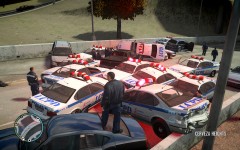


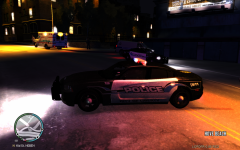


Shoot-out outside the gas station.

By lovkal
- 986 views
- View lovkal's images
An LCPD police officer responded to a reported mugging near a gas station on Kid St., Hove Beach in Broker yesterday.
The officer begun chasing the suspect who dropped his weapon, when the police officer tried to arrest the suspect, it turns out that he had a second P99 weapon concealed.
The suspect started firing shots at the officer who took cover behind his patrol car and called for assistance.
A few minutes later, backup units arrived on the scene and took down the suspect.
An EMS unit later arrived after the shoot-out and tried to revive the suspect, but his wounds were fatal.
No officers of the Liberty City Police Department sustained fatal injuries.
Mike Whitley
Weazel News.
Copyright
© Weazel News
Recommended Comments
Join the conversation
You can post now and register later. If you have an account, sign in now to post with your account.