


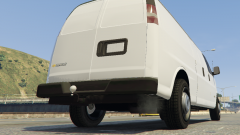
Is there anybody out there,

By 0taku
- 729 views
- View 0taku's images
Feeling something.....
--------------------------------------------
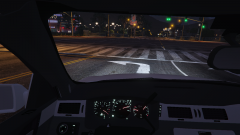
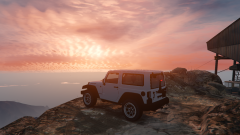
I'm working on a jeep to replace the Mesa. Currently it works well.
I plan to make have lots of extra's such as
spawn-able roof (can be changed between a colortop or a hard top via the skin)
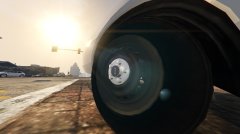
open spare wheel (if poly-count is not to high)
covered Spare wheel
Side Steps
And Spawn-able doors (If I can get the to work)
---------------------
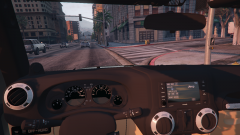
I have also changed the radio to the 6.5" touch screen one and I plan to change it from a Manual (stick) to a Auto [this will be for Eye,candy only]
Recommended Comments
Join the conversation
You can post now and register later. If you have an account, sign in now to post with your account.