Skip to content
View in the app

A better way to browse. Learn more.

LCPDFR.com

A full-screen app on your home screen with push notifications, badges and more.

To install this app on iOS and iPadOS
  1. Tap the Share icon in Safari
  2. Scroll the menu and tap Add to Home Screen.
  3. Tap Add in the top-right corner.
To install this app on Android
  1. Tap the 3-dot menu (⋮) in the top-right corner of the browser.
  2. Tap Add to Home screen or Install app.
  3. Confirm by tapping Install.

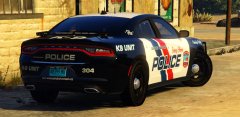
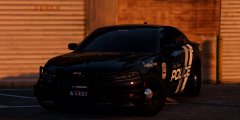
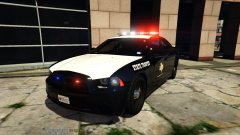
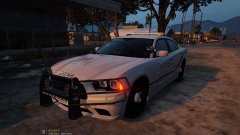
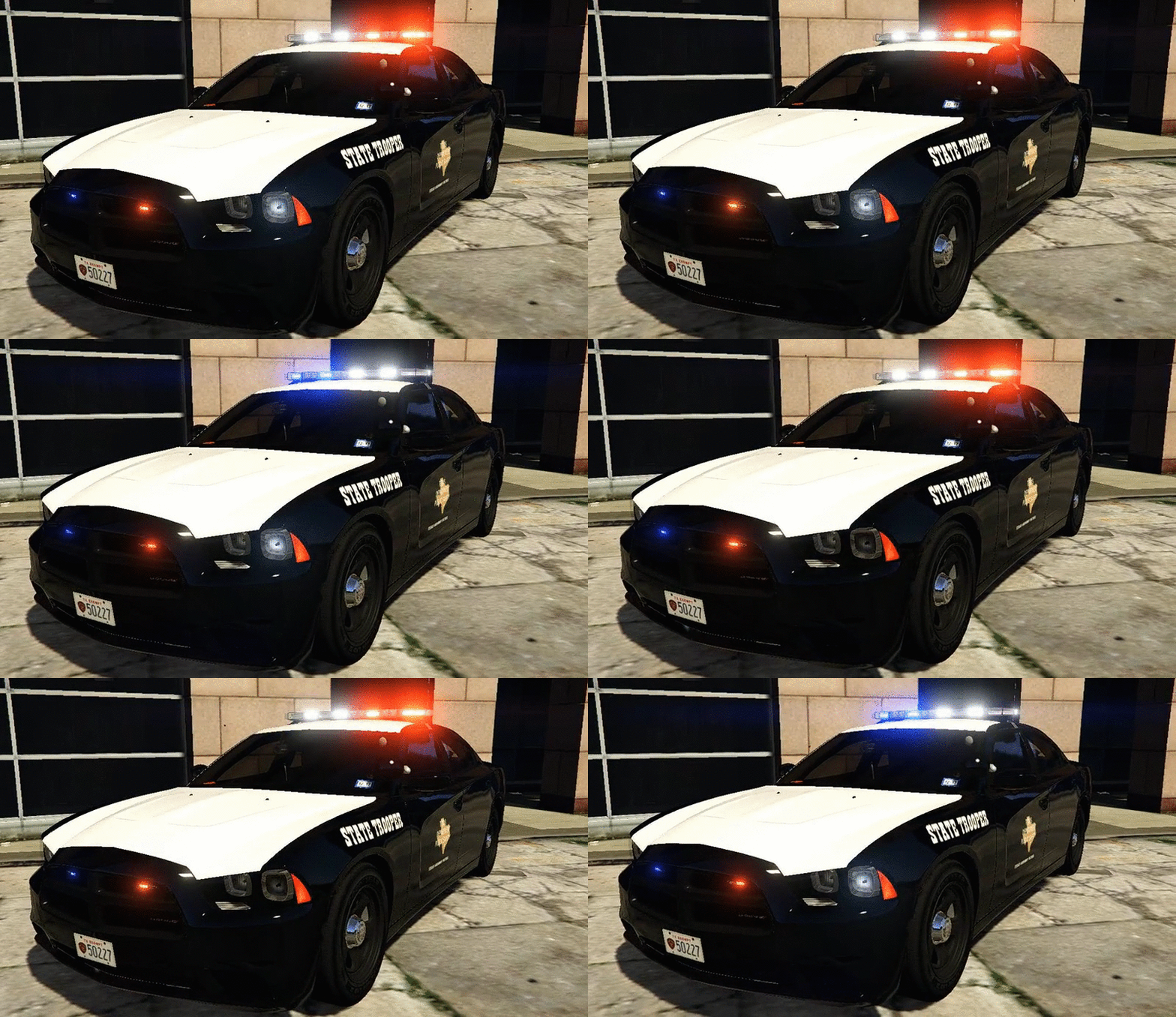
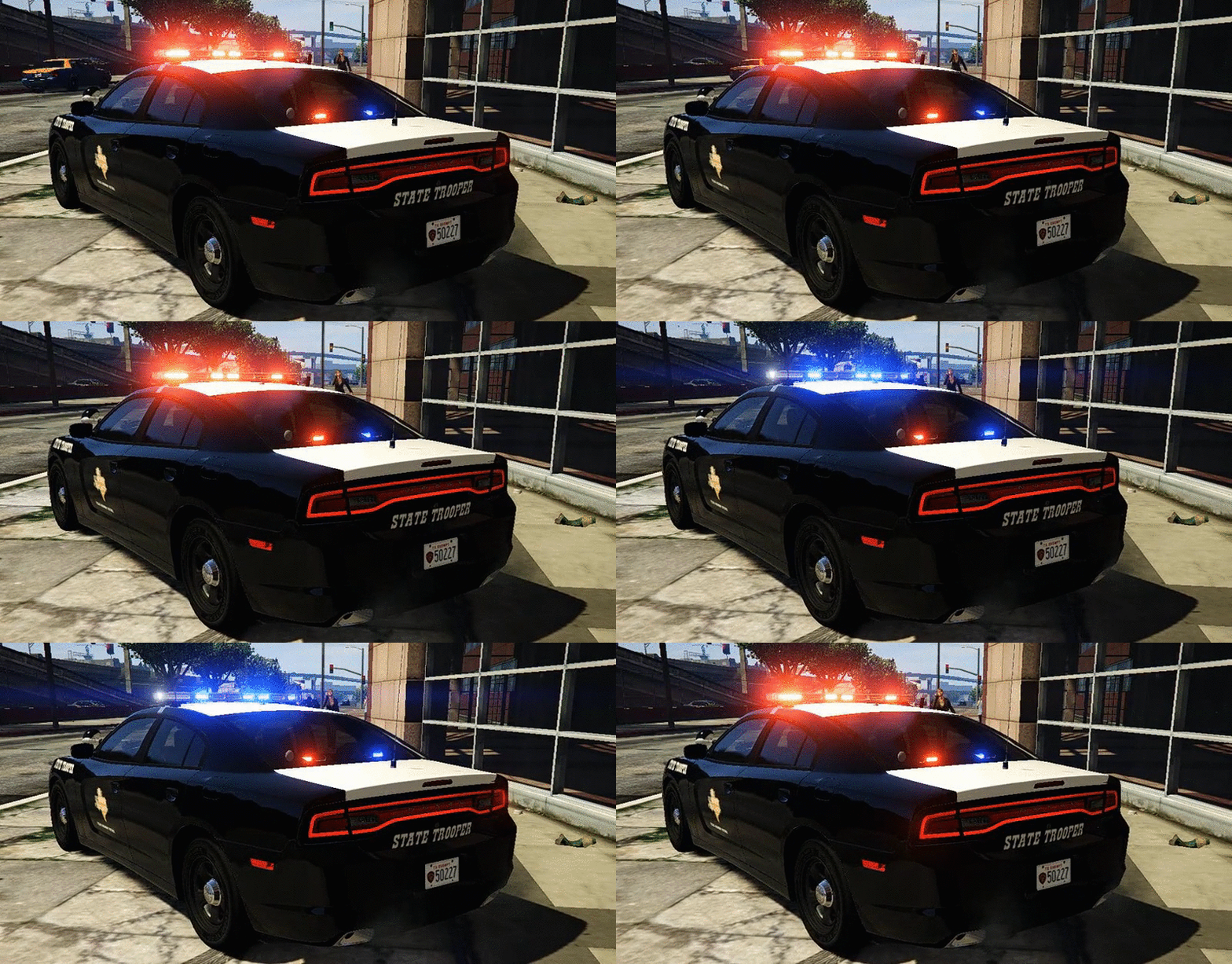
Texas DPS Charger Infront Of DPS Post

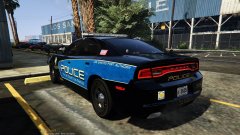
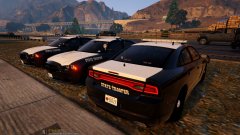
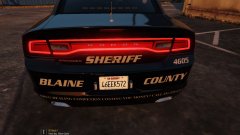
Been working on this Dodge Charger for 4 days now....And it's finally complete...So a expect a release later tonight.It will have working spotlights,a wraparound as an extra,a CB radio antenna as an extra and the wheel COL's and everything work,so, when you walk away from it the car doesn't look like it's levitating!I have put alot of work into this Charger and I think ya'll are gonna love it!
4df98b4bd92dcae8c9346c2a55637f72.gif02d214fbc7bb123c2a3231525d6c4664.gif
KbzCxXr.jpg
 

From the album:

Chargers

· 59 images

Account

Navigation

Search

Search

Configure browser push notifications

Chrome (Android)
  1. Tap the lock icon next to the address bar.
  2. Tap Permissions → Notifications.
  3. Adjust your preference.
Chrome (Desktop)
  1. Click the padlock icon in the address bar.
  2. Select Site settings.
  3. Find Notifications and adjust your preference.