


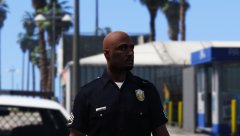
Max settings

- 1,276 views
- View LoneWolfSpecter's images
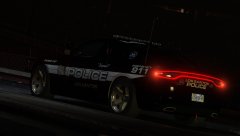
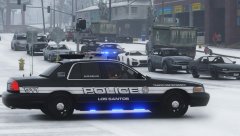
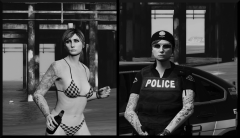
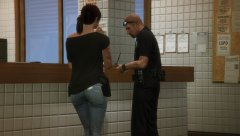
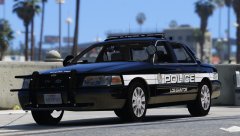
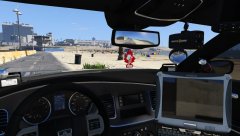
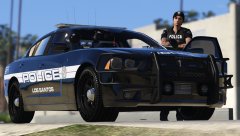
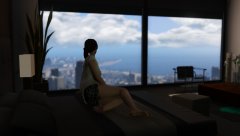
Today I upgraded my pc and thought I'd share a screenshot of my game running at max settings.
I'm running with Nvidia GTX970 and an AMD 8350 4.0Ghz 8-core cpu. My operating system is Windows 10. FPS is a steady 50 during daytime and 60 at night time. I had a slight stutter but only because I was using a very high mb police car that was spawning near me while I was driving the same high mb car. The game looks amazing and I will be posting more photos with the new graphics. The only game I've benchmark test so far is GTAV and so far it looks promising. The screenshot has no ingame filters at all. its all visualV and placing of the camera.
Mods used in the screenshot are:
Texture by me and will be released soon
Vehicle is Blaine County sheriff CVPI by Virzza
For more Screenshots from GTA V or other games.. Check out my steam
Recommended Comments
Join the conversation
You can post now and register later. If you have an account, sign in now to post with your account.