Skip to content
View in the app

A better way to browse. Learn more.

LCPDFR.com

A full-screen app on your home screen with push notifications, badges and more.

To install this app on iOS and iPadOS
  1. Tap the Share icon in Safari
  2. Scroll the menu and tap Add to Home Screen.
  3. Tap Add in the top-right corner.
To install this app on Android
  1. Tap the 3-dot menu (⋮) in the top-right corner of the browser.
  2. Tap Add to Home screen or Install app.
  3. Confirm by tapping Install.

Old Meets New

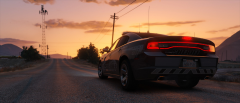
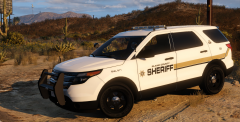
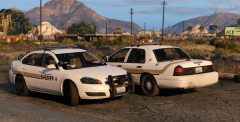
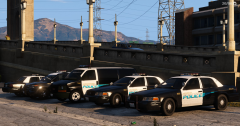
A brand new BCSO impala sits next to an aging Crown Vic.

I'm a huge fan of Illusionary's BCSO CVPI skin pack; in fact it's the only BCSO skin I've used to date. But I wanted to give the BCSO a little more variety in the vehicle department, so I retrofitted his skins to Desmond98's FPIU and Bxbugs' Impala. Now they look right at home :)

From the album:

Blaze Plays V

· 25 images

Account

Navigation

Search

Search

Configure browser push notifications

Chrome (Android)
  1. Tap the lock icon next to the address bar.
  2. Tap Permissions → Notifications.
  3. Adjust your preference.
Chrome (Desktop)
  1. Click the padlock icon in the address bar.
  2. Select Site settings.
  3. Find Notifications and adjust your preference.