



By Effegi88
- 844 views
- View Effegi88's images
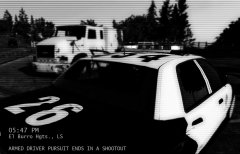
05:30 PM - Dispatch calls: a civilian report an armed driver in El Burro Heights
05:30 PM - Traffic Officer 1 Adam 12 responds Code 3.
05:33 PM - T.O. 1 Adam 12 is on scene.
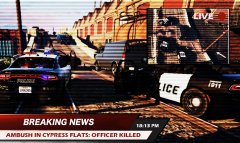
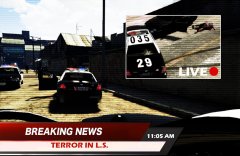
05:34 PM - T.O. 1 Adam 12 signals he's in pursuit of an heavy vehicle.
06:35 PM - An additional unit (Ocean 1) is dispatched
06:40 PM - O1 joins the pursuit.
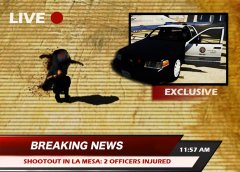
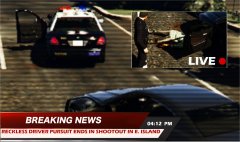
06:46 PM - The suspect loses the control of the truck, slewing and coming to a complete stop. The driver starts to shot at the approaching Officers, and rams a police car. 1 Adam 12 returns fire. Suspect is shot to death.
06:46 PM - Callout is Code 4. CSI and Coroner are dispatched.
Credit
Special thanks to: CVPI LSPD Mx7000/Arjent. by F5544
Recommended Comments
Join the conversation
You can post now and register later. If you have an account, sign in now to post with your account.