


Outfitting

By 0taku
- 917 views
- View 0taku's images
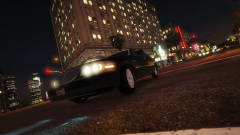
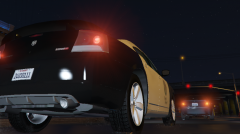
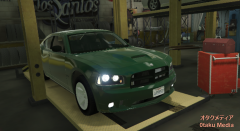
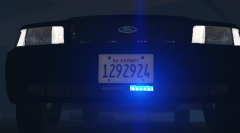
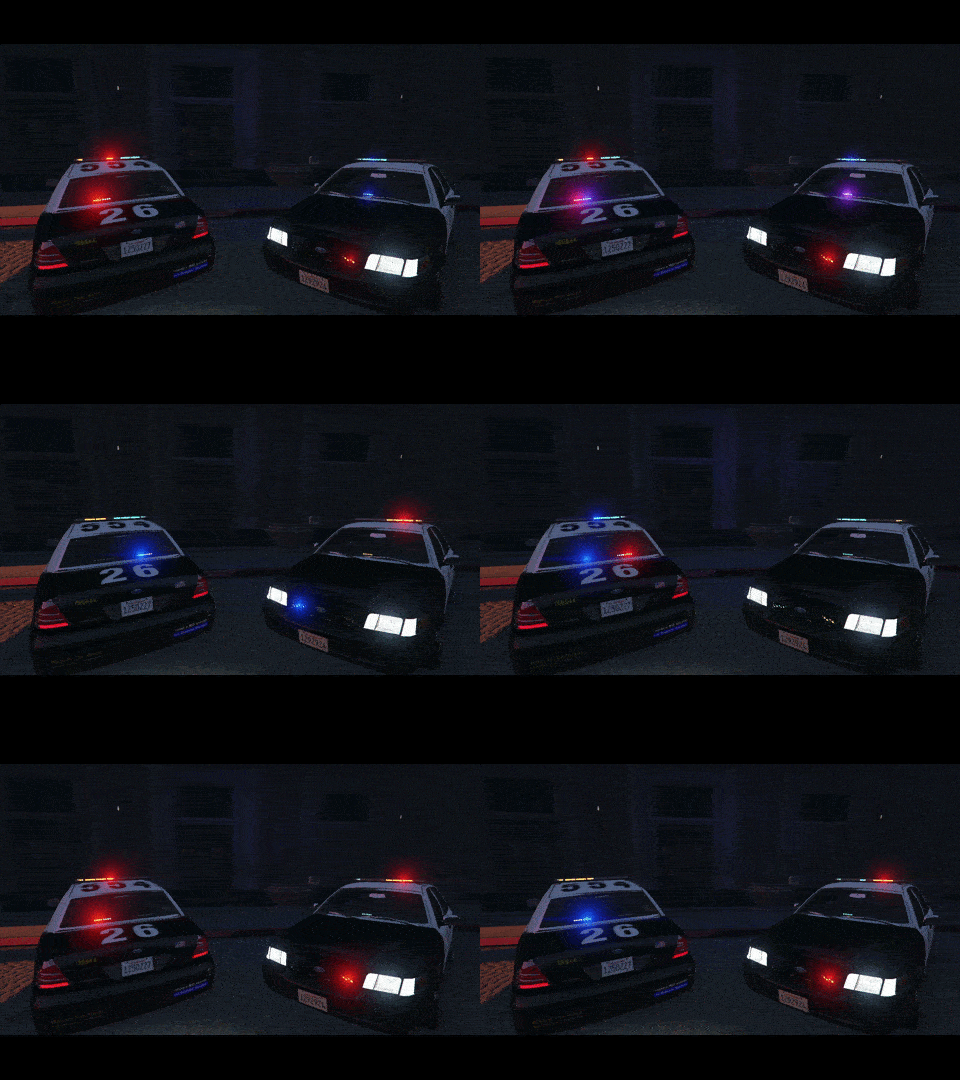
Ok this image is a little old but only because of the posting delay yesterday. I have to at a good point for in game. Things I have left are:
-Fix a few things with the back lights
-Fix the 'extralights'
-Fix a slight mapping issue on the wheels
-Fix a few 'stead burn at night' lights -
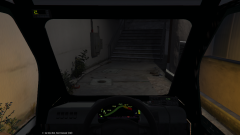
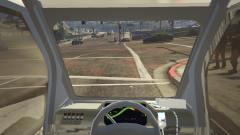
-Add the wheel and gauges (this is might take a while)
-------------------------------
This model will feature the option of either the police of the civi center console
And if all goes well this should be a nice DEV model for you guys
Recommended Comments
Join the conversation
You can post now and register later. If you have an account, sign in now to post with your account.