







When clearing an intersection goes wrong

- 1,109 views
- View LoneWolfSpecter's images
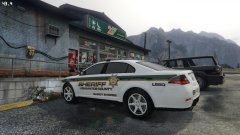
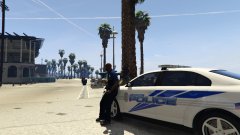
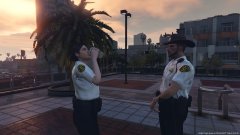
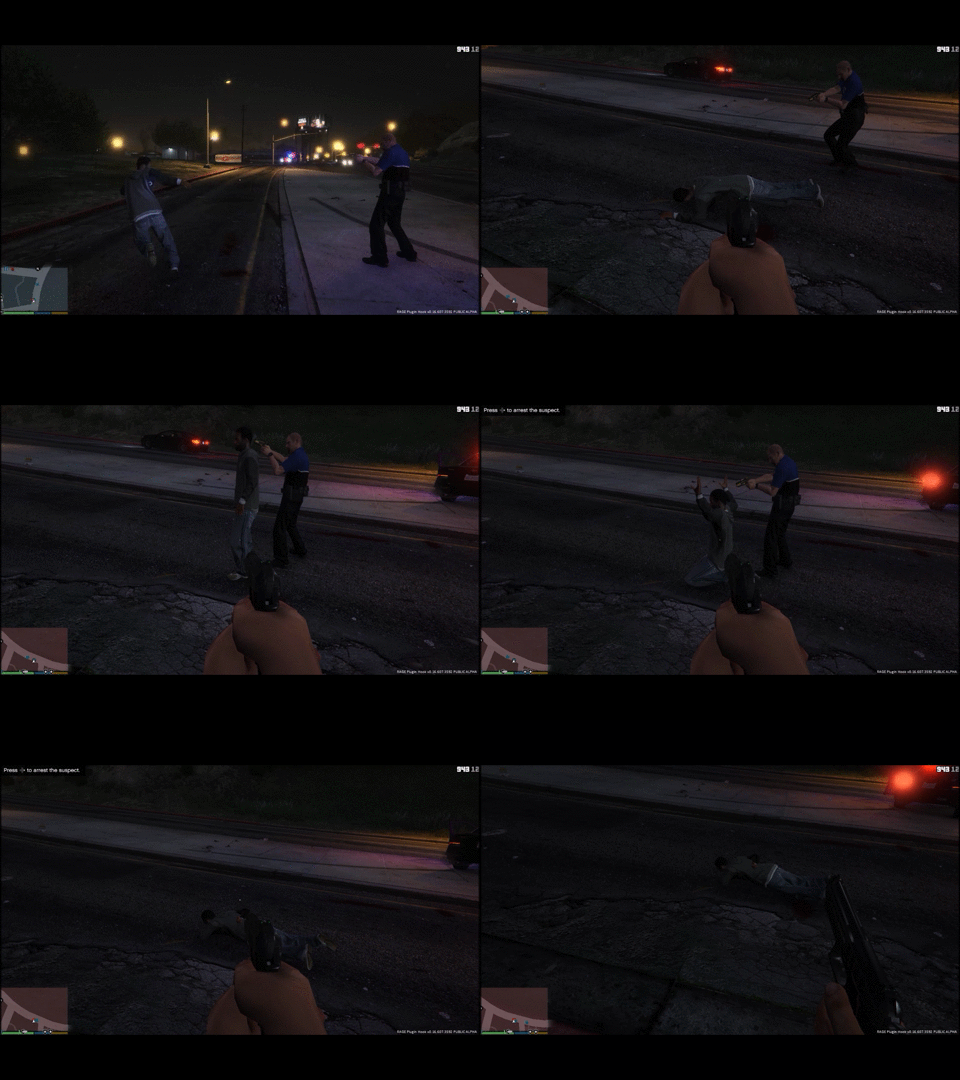
State Trooper and I were responding to an armed suspect with shots fired reported. I caught up to the trooper who was clearing the intersection which had red lights at both sides of the intersection when a red light runner struck the trooper. I aborted the call and quickly blocked of oncoming and crossing traffic with my car. Trooper was alive but started shooting at random cars for no reason until he was hit again by a scared driver. I waited until ems arrived and joined the armed suspect call after.
Recommended Comments
Join the conversation
You can post now and register later. If you have an account, sign in now to post with your account.