


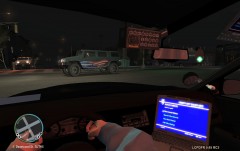
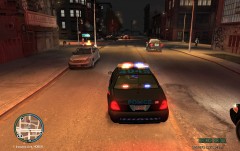
Felony traffic incident.

By DinkieDonuts
- 621 views
- View DinkieDonuts's images
Details: Leaving the station, a taxi driver (white blip) was driving very erratically so another officer and I proceeded to pursue the subject. The pursuit went on for a couple of miles until I pinned his vehicle to a pole. The driver immediately got out and started firing an automatic sub-machine gun at myself and other officers. I had to discharge three shots from my duty shotgun, which ended the shootout. The suspect is not dead, however he remains in critical condition.
Copyright
© sictransitjosh
Recommended Comments
Join the conversation
You can post now and register later. If you have an account, sign in now to post with your account.