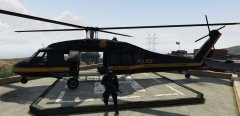
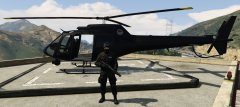
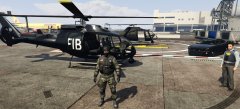
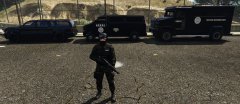
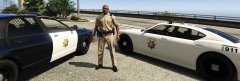
New Officers Share https://www.lcpdfr.com/gallery/image/50064-new-officers/ Share on Facebook Share on X {lang="reddit_text" More sharing options... Followers New NOOSE SWAT officer, Sheriff Department SWAT officer, FIB SWAT officers, and US Marshal, all added as unique peds Credit AuntJemima and Lawdy for the NOOSE textures. Yard1 for the Sheriff textures. Latiam for the FIB textures. Baud0412 for the Marshal textures.
Dylan02 Members July 11, 201510 yr Author stats I totally didn't freak out when I saw that someone thought my mod be good enough to feature in a screen shot. Thanks man






Recommended Comments
Join the conversation
You can post now and register later. If you have an account, sign in now to post with your account.