


GTA_V_Murder_Scene_Pt._2.png

By The Impulse
- 580 views
- View The Impulse's images
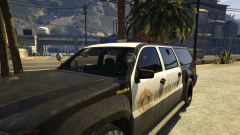
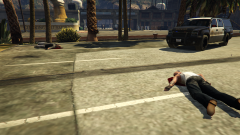
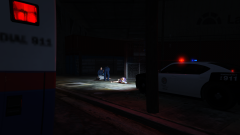
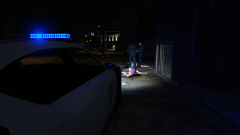
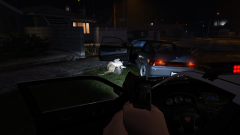
LSPD received a 911 call from a passerby at approximately 2327 where the complainant advised there were three bodies laying on the sidewalk with blood all around them. PD responded and arrived on scene to discover that all three subjects had been shot at least twice. Once the scene was secured, EMS was notified and arrived on scene shortly after. EMS pronounced all three subjects deceased and the Medical Examiner was notified and the bodies were turned over to County. Crime scene was also notified and responded to the scene. Six .38 caliber shells were located on the ground and the suspect of the shooting is believed to be the victim of the fatal felony stop later in the night. Detectives are still working on the case, nothing further.
Recommended Comments
Join the conversation
You can post now and register later. If you have an account, sign in now to post with your account.