


Fleet Additions.

By Crizby
- 1,141 views
- View Crizby's images
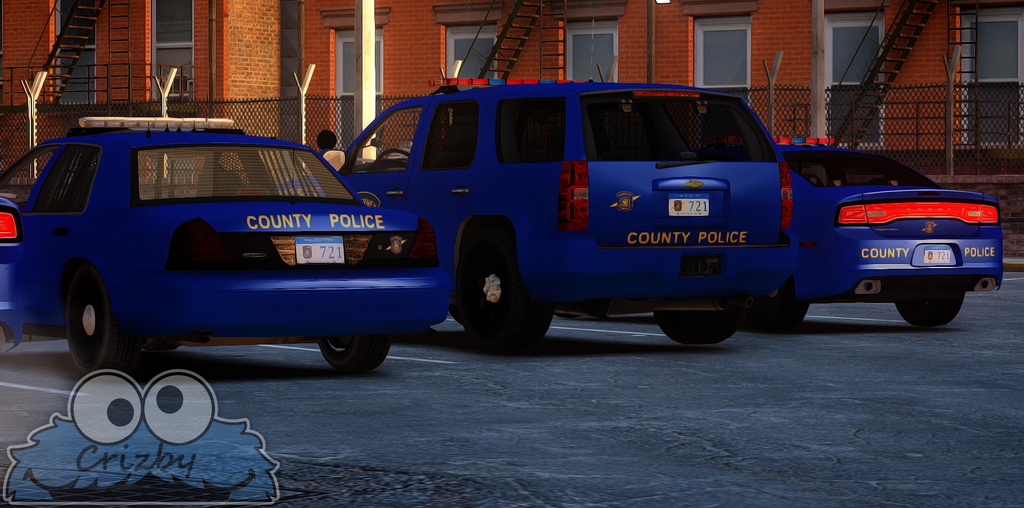
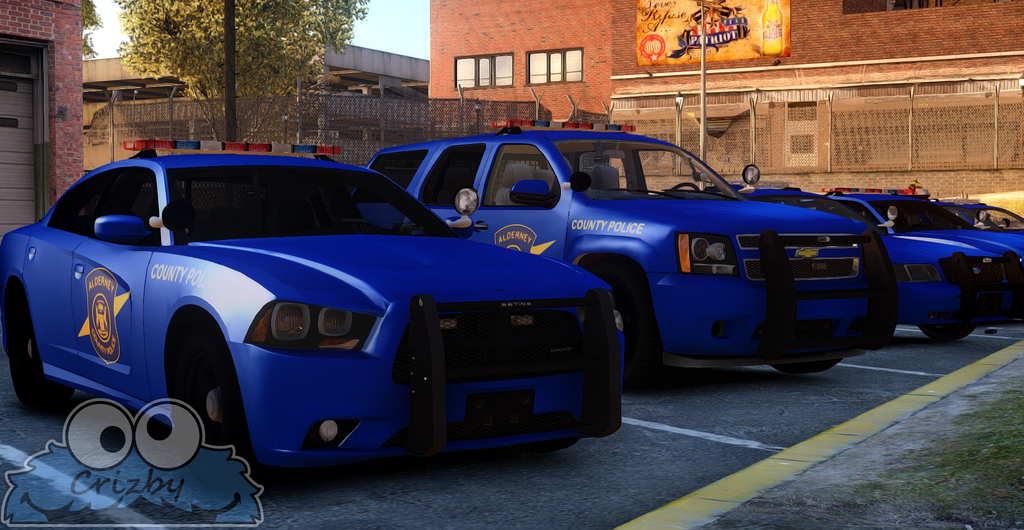
Added the 2012- Charger and the 2008- Tahoe to the Alderney Co. Police Dept. Fleet. I haven't fixed a separate license plate for them yet so I used the Crown Vic plates. I also updated the uniforms a while ago.
*Please excuse my incompetence with the new LCPDFR site. I don't understand why some of the images works in a spoiler and some don't.*
http://i1371.photobucket.com/albums/ag313/Crizby1/ACOPD - kopia_zpstf9i0uvz.png
http://i1371.photobucket.com/albums/ag313/Crizby1/ACOPD - kopia - kopia_zpspobdrr8j.png

Recommended Comments
Join the conversation
You can post now and register later. If you have an account, sign in now to post with your account.