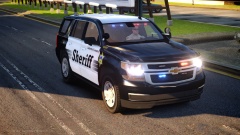
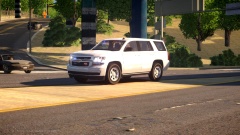
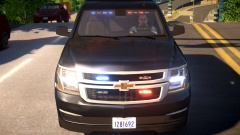
Liberty County Sheriff '15 Tahoe Slicktop, Marked Share https://www.lcpdfr.com/gallery/image/47121-liberty-county-sheriff-15-tahoe-slicktop-marked/ Share on Facebook Share on X {lang="reddit_text" More sharing options... Followers Added mirror intersectors, spotlights(weird position, kinda through window), added the skin. I have a setina bodyguard with 2 guns that spawns as extra_10 in case you want to use it for Swat, detective, etc.





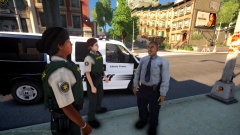
![Liberty/Ventura County Sheriff Pack Peds[Set 2]](http://s3-gallery.int-cdn.lcpdfrusercontent.com/gallery/album_2992/sml_gallery_138045_2992_251762.jpg)

Recommended Comments
Join the conversation
You can post now and register later. If you have an account, sign in now to post with your account.