


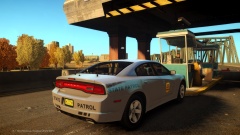
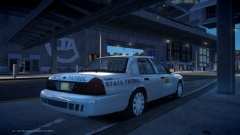
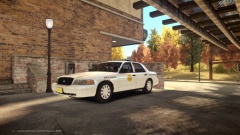
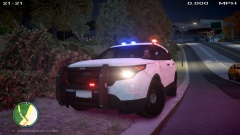
![[WIP/REL] 2013 FPIU (Lexington PD Skin Based)](http://s3-gallery.int-cdn.lcpdfrusercontent.com/gallery/album_2365/sml_gallery_58757_2365_382.jpg)
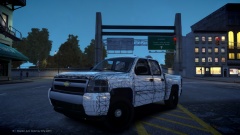
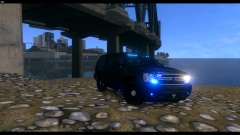
2008 Chevy Silverado

- 1,369 views
- View RipplyTiger151's images
Conversion started by Trewq34, templated and conversion completed by RipplyTiger151.
Model will NOT be released unlocked but future project may be created using this truck! Thanks to TheGTAMitch for the feedback on the model!
Yes, it does appear to be low on the rear end, but its temporarily using a CVPI handling line in that picture. Many things to be edited in the future!
Recommended Comments
Join the conversation
You can post now and register later. If you have an account, sign in now to post with your account.