


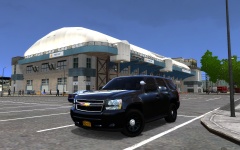


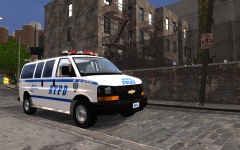


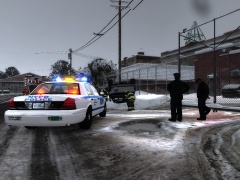
FDNY on scene

By Sgt.Kanyo
- 815 views
- View Sgt.Kanyo's images
Very early in the morning at approximately 1:30 am the NYPD received a report of an officer down. Multiple officers were dispatched to the call, where a few officers saw a grey convertible leaving the scene in a hurry. The officer was found critically wounded under a flatbed truck. After the officers called for an ambulance, they started to search the area for the suspect, whom they soon found. After a very short chase the suspect crashed head-on into a taxi, also hitting multiple cars. The suspect tried to flee the scene after his car caught on fire, but the officers right in his tail, and soon arrested him. All hell broke lose when the suspect's car exploded and started a chain reaction blowing up at least 5 other cars. Multiple FDNY fire engines and ambulances were dispatched and together they managed to extinguish the fire.
Recommended Comments
Join the conversation
You can post now and register later. If you have an account, sign in now to post with your account.