



Semi versus Car in Westlake County

By DukSezQuak
- 702 views
- View DukSezQuak's images
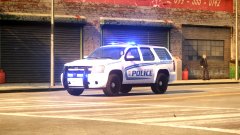
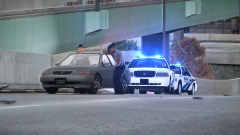
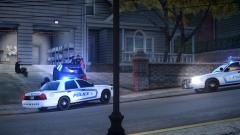
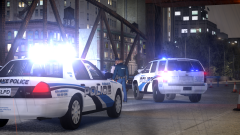
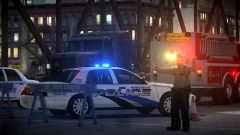
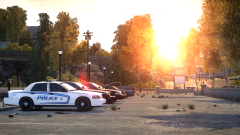
Silverlake Police and Fire Services have been called to assist in a Semi versus Car collision that occurred just on the border of Westlake County and Silverlake City, however the collision still occurred in Westlake County.
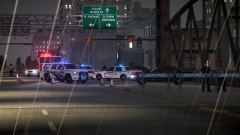
Due to the heavy rain, roads have been very slippery and is likely a factor in this crash. No details have been confirmed yet and media is still awaiting an update from police, but witnesses say that the sedan was travelling Westbound into Westlake County, when it suddenly lost control and swerved into the Eastbound lanes, colliding with the semi.
There's no word on injuries at this time, but it's believed at least one person is dead after the incident.
Silverlake Police have been called to investigate the collision and remain on scene.
All but one Westbound lane has been closed due to the collision, and all Eastbound traffic has been detoured as a result of the collision.
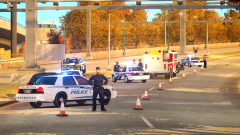
In this image you can see a Silverlake Supervisor speaking with a Westlake Patrolman.
Recommended Comments
Join the conversation
You can post now and register later. If you have an account, sign in now to post with your account.