


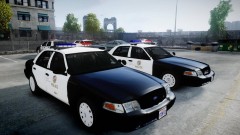

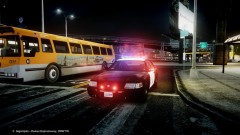
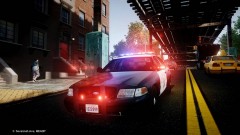
California Highway Patrol CVPI w/Whelen Liberty

- 3,337 views
- View aznairsoftdude's images
Primary Pattern is CHP standard code 3 response flash pattern setup + traffic advisor for the Liberty.
Secondary Lights are standard park mode pattern lights/steady burns and traffic advisor
Take down...basically the entire bar lights up.


*Still in it's testing phases. Need to add speaker and probably partition/cage/divider.
**ENB is a custom enb setting I've gathered and edited from various creators for compatibility with LCPFR, ELS, and Multiplayer on Patch 1.0.7.0.
Recommended Comments
Join the conversation
You can post now and register later. If you have an account, sign in now to post with your account.