





By Dhruv
- 995 views
- View Dhruv's images
News Report:
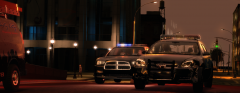
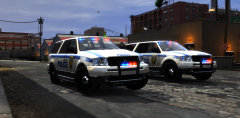
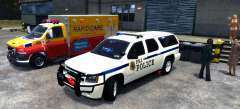
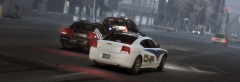
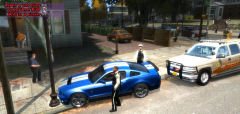
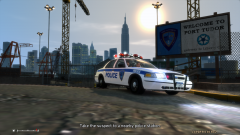
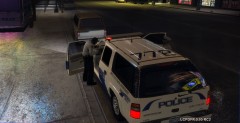
After several unsuccessful attempts from LCPD to stop the terror of Racing youngsters in Alderney City,the Police commissioner last month announced to commercialize the illegal race activities going on in the city by promoting it in favor of Liberty State tourism to attract more tourists.When last week,parliament passed the bill,racers won't have even imagined what meme has LCPD played on them,but in the past some days,they've certainly realized that they've ran into a big trouble by not complying to the police department's warnings.
After the commercialization,all the revenue from the races collected by Govt. agents goes to Liberty Police Dept.,which they're using to take out the biker gang "Angels of Death",with which the supercar racers used to run the streets in partnership.Clearly,the tension between the two groups is increasing because according to AoDs,"Racers have teamed up with LCPD to take 'em out."
Just two days ago,AoDs burnt two cars of the supercar gang.
Clearly,the latter is fed up with this unwanted association with LCPD and is organizing a race to protest against LCPD's new policy.The featured posters were discovered by LCPD last night,when our reporter,Mike Whiteley,was found by local cops in drunken state,peeing against the wall on which this poster was slapped.
Recommended Comments
Join the conversation
You can post now and register later. If you have an account, sign in now to post with your account.