


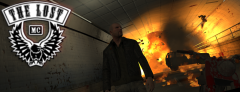
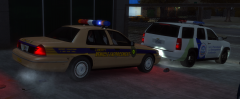

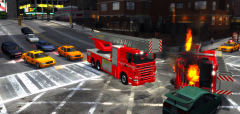

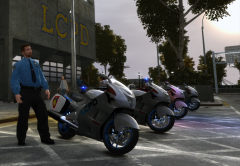

Finally the convoy arrived...

By Dhruv
- 884 views
- View Dhruv's images
" Officer Joe reporting,sir!
We managed to keep the suspect safe and sound while transporting however,as you can see our NOoSE tank has taken heavy damage in protecting the Inmate Transport.Bike-borne Officer Gibson here is wounded as a bullet whizzed past his chest,but he says he's okay.I recommend we move fast and get the suspect inside,now.I'll lead the reinforcement units while we roll hard to secure Officer Blake and Officer Ashley who're still pinned down by the assailants at the Star Junction.Please lock down the whole area.We still have a Crown Vic and bike unit in there."
Copyright
© © Dhruv's screenshots
Recommended Comments
Join the conversation
You can post now and register later. If you have an account, sign in now to post with your account.