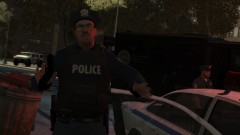
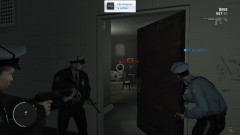
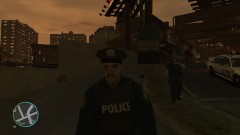
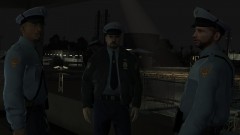
Bust In The Door Share https://www.lcpdfr.com/gallery/image/4053-bust-in-the-door/ Share on Facebook Share on X {lang="reddit_text" More sharing options... Followers Me and me friends going in to take down a 6 star wanted suspect. Also, my new cops should be out sometime today. At least I'm going to try to get it out before I have to leave this weekend. :) Copyright © Custo's Picture
Laqueesha Members May 9, 201214 yr Author stats "Kicking down the door, asking: 'Where is the bricks at?'"





Recommended Comments
Join the conversation
You can post now and register later. If you have an account, sign in now to post with your account.