
Skip to content
View in the app

A better way to browse. Learn more.

LCPDFR.com

A full-screen app on your home screen with push notifications, badges and more.

To install this app on iOS and iPadOS
  1. Tap the Share icon in Safari
  2. Scroll the menu and tap Add to Home Screen.
  3. Tap Add in the top-right corner.
To install this app on Android
  1. Tap the 3-dot menu (⋮) in the top-right corner of the browser.
  2. Tap Add to Home screen or Install app.
  3. Confirm by tapping Install.

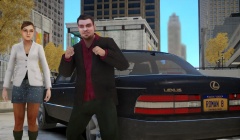
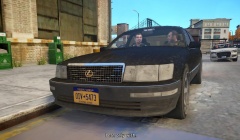
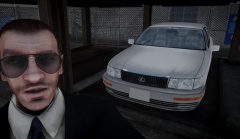
"Hey, is this a cab? Where's the sports car?"

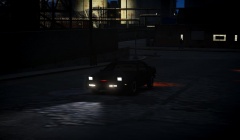
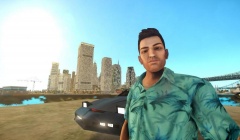
Just toying around with a few potential ideas.

Mainly because I figured that Roman is the type of guy who would drive around in a JDM LS400. [sense the sarcasm?]

I was basing this model and its textures on this design:
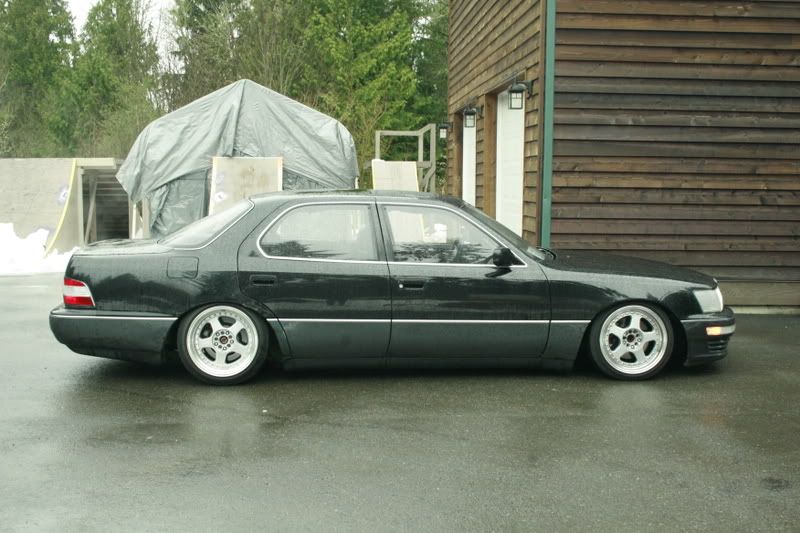
_MG_9964.jpg

Even though you can't see them, the tail lamps are also clear, as in the image above and below:
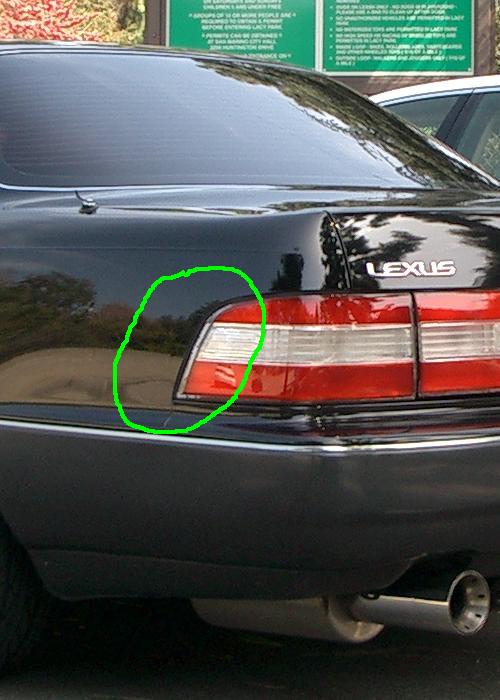
47920d1080542644-red-clear-tail-lights-c

Account

Navigation

Search

Search

Configure browser push notifications

Chrome (Android)
  1. Tap the lock icon next to the address bar.
  2. Tap Permissions → Notifications.
  3. Adjust your preference.
Chrome (Desktop)
  1. Click the padlock icon in the address bar.
  2. Select Site settings.
  3. Find Notifications and adjust your preference.