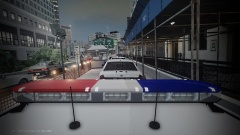
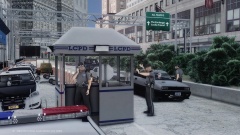
A Pack In The Works - S.T. Impala Share https://www.lcpdfr.com/gallery/image/38836-a-pack-in-the-works-st-impala/ Share on Facebook Share on X {lang="reddit_text" More sharing options... Followers Jump's WIP RX2700 pack, every marked vehicle will have a slick-top variant as well. This pack will be released, my assumption is in the upcoming weeks. Feedback? Original (unedited) screenshot - Spoiler
Deactivated Member Deactivated August 27, 201412 yr Author stats I love the colors and the two stripes.








Recommended Comments
Join the conversation
You can post now and register later. If you have an account, sign in now to post with your account.