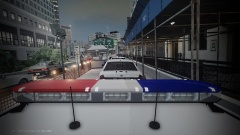
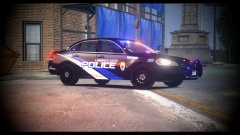
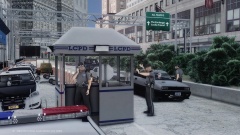
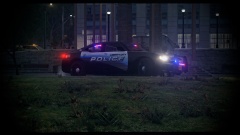
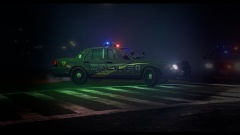
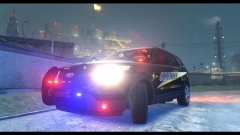
I think I got one! Share https://www.lcpdfr.com/gallery/image/38780-i-think-i-got-one/ Share on Facebook Share on X {lang="reddit_text" More sharing options... Followers This Landstalker was pulled aside for a secondary evaluation. The female driver is suspected of DWI and will be given a field sobriety test (FST). This will be conducted after she pleads her innocence, and explains how she ' only had one drink .' Feedback? Original (unedited) screenshot - Spoiler






Recommended Comments
Join the conversation
You can post now and register later. If you have an account, sign in now to post with your account.