


![Cedar Hill Police CVPI [WIP]](http://s3-gallery.int-cdn.lcpdfrusercontent.com/gallery/album_3389/gallery_148203_3389_550809.png "Cedar Hill Police CVPI [WIP]")

![Cedar Hill Police CVPI [WIP]](http://s3-gallery.int-cdn.lcpdfrusercontent.com/gallery/album_3389/sml_gallery_148203_3389_550809.png)
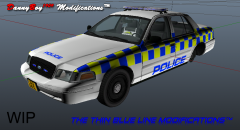
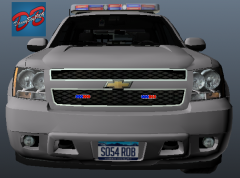
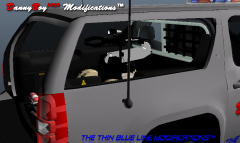
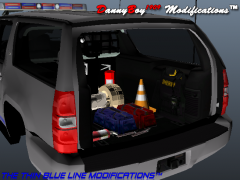
Cedar Hill Police CVPI [WIP]

By DannyBoy1909
- 1,570 views
- View DannyBoy1909's images
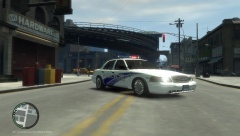
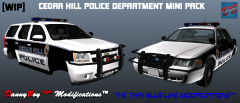
As of last night, I am making a Cedar Hill Police Crown Vic.
It is still in early stages as I still need to: Re-texture the spotlight; Edit the Light-bar; Add Speaker to Ram-bar; Adjust the camera/alpr/dash-cam inside the front windscreen; Add a (very strange) antenna to the boot/trunk.
If anyone has any suggestions from a realism stand point or just an aesthetic point, please say!
(And, yes, I do have the Photoshop Skills of a 5 year old... No offence to any 5 year olds' reading this)
Recommended Comments
Join the conversation
You can post now and register later. If you have an account, sign in now to post with your account.