


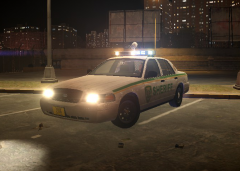
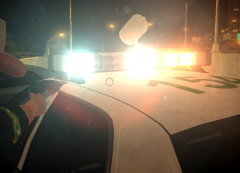
![Whelen Rota-Beam Ultra Freedom [WIP]](http://s3-gallery.int-cdn.lcpdfrusercontent.com/gallery/album_2652/sml_gallery_95156_2652_81896.png)
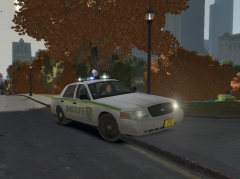

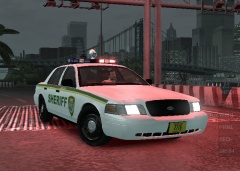
WIP Federal Signal Vista

By LoneWolf7
- 822 views
- View LoneWolf7's images
Was playing around with the strobe vista that is currently released and decided it had too many flaws so I re built it from the ground up. Only keeping the original mounting brackets. It looks less messy and is far less poly's then the old one. I hope to release this as a development model utilizing the DROT feature of ELS 8.
This practicular one has a solid center, I know this isn't common among U.S. Departments but I really liked the look. Regular translucent white center will be included on the developmental model.
Recommended Comments
Join the conversation
You can post now and register later. If you have an account, sign in now to post with your account.