Skip to content
View in the app

A better way to browse. Learn more.

LCPDFR.com

A full-screen app on your home screen with push notifications, badges and more.

To install this app on iOS and iPadOS
  1. Tap the Share icon in Safari
  2. Scroll the menu and tap Add to Home Screen.
  3. Tap Add in the top-right corner.
To install this app on Android
  1. Tap the 3-dot menu (⋮) in the top-right corner of the browser.
  2. Tap Add to Home screen or Install app.
  3. Confirm by tapping Install.

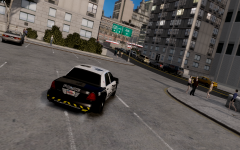
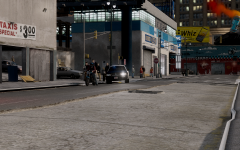
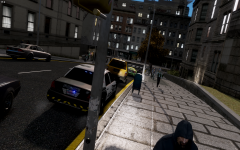
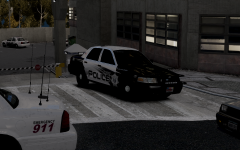
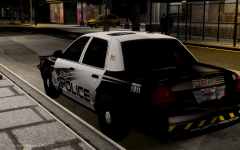
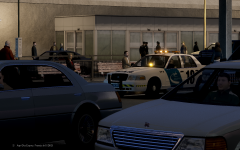
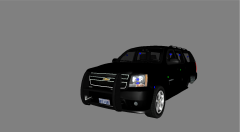
LCPD Unit sitting in front of the bank.

Posted ImagePosted Image

Was walking by, minding my day, when I see this beautiful vic.

On a more serious note, should I release *knock or whatever* or naw?

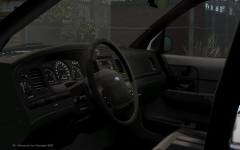
Credits: Rambar by Trooper Dashie

Console by the bae (Foward)

Laptop by Ridgerunner

Fedsig Spectralux by Tim98/Napoleon

Pro-gard seat organizer by me

Whelen Stick by me

SNGL3 Series GEN3 LED Lighthead by me

STL Slim-4 by me

Misc stuff by me (tickets, first aid,etc)

Skin by Lazarus

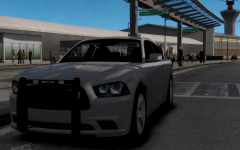
And this is Cj's vic.

  • From the album:

    RobertB's WIPS

    · 67 images

    Account

    Navigation

    Search

    Search

    Configure browser push notifications

    Chrome (Android)
    1. Tap the lock icon next to the address bar.
    2. Tap Permissions → Notifications.
    3. Adjust your preference.
    Chrome (Desktop)
    1. Click the padlock icon in the address bar.
    2. Select Site settings.
    3. Find Notifications and adjust your preference.