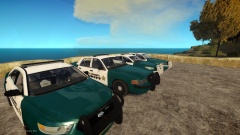
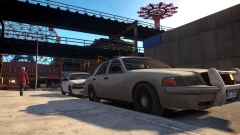
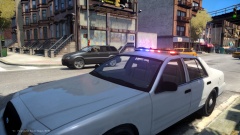
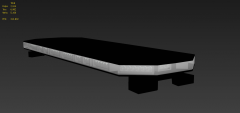
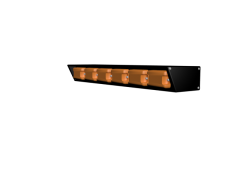
Code 3 Defender Share https://www.lcpdfr.com/gallery/image/34934-code-3-defender/ Share on Facebook Share on X {lang="reddit_text" More sharing options... Followers Went ahead and made a C3Defender, but this time in 3DS Max. I left out minor details in the glass and housing to limit polies, happy with a 6k final poly count. 3DS render was being difficult so I just took a couple not so fancy pictures. Possible for unlocked release after I enjoy the bar!






Recommended Comments
Join the conversation
You can post now and register later. If you have an account, sign in now to post with your account.