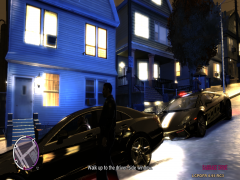
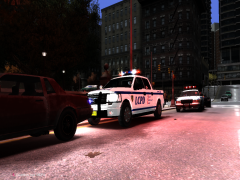
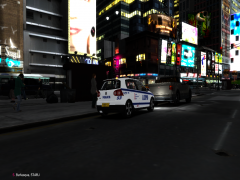
Bugged. Share https://www.lcpdfr.com/gallery/image/3448-bugged/ Share on Facebook Share on X {lang="reddit_text" More sharing options... Followers I'm not sure If I can fix this, I'll try. Two issues are stopping me from releasing this skin; 1. Everything on the back has been reversed even though it is placed correctly. 2. The design blurs when not looked at directly from the side. Any ideas?
Harper Friends of LSPDFR March 29, 201214 yr Author stats No fix? Sigh. I actually liked this skin, and I can't find any other model for this car. I would make one myself but two things; 1. I have no experience 2. I don't have the money to waste on zModeller
Cj24 Members March 29, 201214 yr Author stats Well, you could mirror the back, then at least that should work. And make sure the texture uses DXT5.





Recommended Comments
Join the conversation
You can post now and register later. If you have an account, sign in now to post with your account.