






The Prototype.

By Harper
- 1,046 views
- View Harper's images
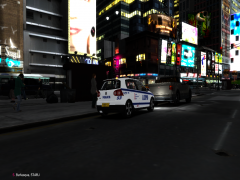
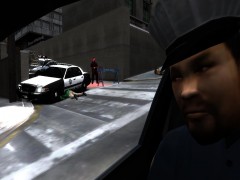
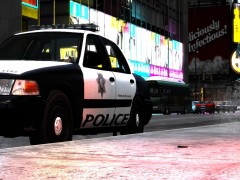
Our reporter managed to grab a sneaky picture of what appears to be the first in a line of new vehicles for the LVMPD as they continue to battle the rising crime rates the LCPD couldn't handle.
The picture doesn't reveal much, but we can see workers applying the traditional LVMPD livery onto the car, we expect to see this car on the streets of Liberty City within the following weeks. Our reporter also dropped the camera onto the road, causing it to crack slightly before taking this picture, which explains why the quality is so low.
(Side note: Yes, you are meant to see the template lines, that's the point of this picture. A sneak peak of the police applying their livery to it)
Copyright
© Harper 2012
Recommended Comments
Join the conversation
You can post now and register later. If you have an account, sign in now to post with your account.