


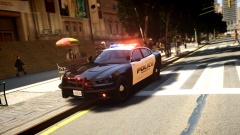
![2014 Liberty City Dodge Charger Patrol Car [WIP]](http://s3-gallery.int-cdn.lcpdfrusercontent.com/gallery/album_1629/sml_gallery_43888_1629_181249.jpg)
![2014 Dodge Charger PPV Update [WIP]](http://s3-gallery.int-cdn.lcpdfrusercontent.com/gallery/album_1629/sml_gallery_43888_1629_152308.jpg)
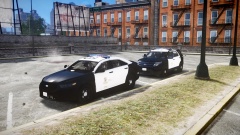

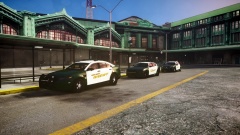


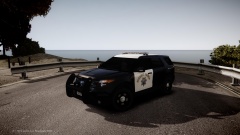
Armed robbery at the Bank of Liberty

By JokerMods
- 870 views
- View JokerMods's images
Yesterday night the LCSD responded to a armed robbery with a hostage situation at the Bank of Liberty.
The robbers are in custody, unfortunatly the leader is in hospital, he started a shoot-out and got shot in the shoulder.
The hostage is back at home with his family, and he's fine.
As requested: Those cars are NOT for release.
Recommended Comments
Join the conversation
You can post now and register later. If you have an account, sign in now to post with your account.